
Product Detail Page Image Generator
Map every detail-page image to one buyer question and one scroll position. Keep product facts, mobile crops and claims consistent from hero to contents and comparison.
AISellerKit Editorial Team · Reviewed by Commerce Strategy Team · Updated Nov 6, 2026
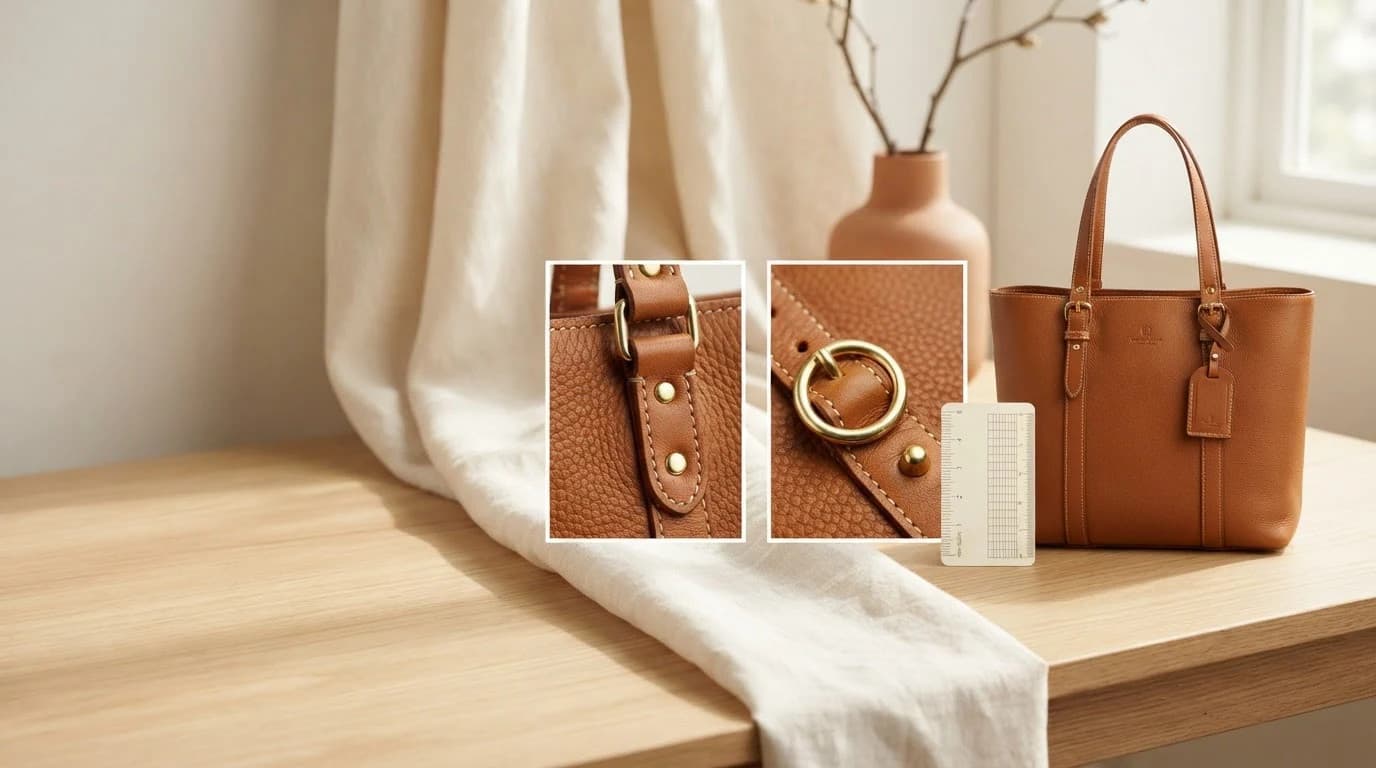
Production and review workflow
What detail page images need to do
Detail page images usually need to explain what the product is, how it works, why it is different, and what the buyer should notice next.
How teams use AI here
AI is especially useful for turning plain product references into richer explanation visuals that can be adapted for different channels and languages.
The first frame is the only frame most buyers see
On mobile, the gallery starts with one small frame. If that frame does not identify the product and the category in under a second, the rest of the sequence is rarely opened. Design the first image for recognition first and beauty second, then use the sequence to answer the questions that prevent a purchase: size, contents, use, and proof.
Measuring whether the sequence works
A gallery is working when support questions about size, contents, and compatibility decline and when add-to-cart improves without a price change. Track those two signals before and after a gallery change. If neither moves, the images are decorative rather than informative, and the next iteration should replace a lifestyle frame with an information frame.
Keeping the gallery consistent as the catalogue grows
A gallery system beats a gallery. Define a fixed frame order for each product family, reuse the same lighting and background treatment, and archive the approved reference so a new SKU inherits the pattern instead of starting from a blank brief. When the pattern is stable, adding a product takes minutes and the storefront still looks like one brand.
A PDP module order mapped to buyer questions
A product detail page works when each module answers the next buyer question. Start with what the product is, then show scale and fit, what arrives in the box, the proof that supports the main claim, and how it is used or cared for. Comparison and cross-sell modules come later. This order prevents a beautiful gallery from skipping the practical questions that create returns.
Mobile PDP review checklist
Most product-page visits happen on a phone, so review the first frame, the crop and the text at mobile width before approving the desktop layout. Check that the product is recognisable in the first screen, overlays are readable without zooming, the gallery order still makes sense, and the page does not push the buy button below a wall of images. A module that only works on a large monitor is not finished.
FAQ
What is a product detail page image generator?
It is an AI-driven workflow for creating explanatory visuals used on product pages and long-form ecommerce detail layouts.
How are detail page images different from hero images?
Hero images attract attention quickly, while detail page images usually explain product value step by step.
What should the first PDP image show?
The product clearly, on a clean background, recognisable at thumbnail size. Beauty matters, but recognition decides whether the buyer opens the gallery.
How do I know the gallery is working?
Fewer size and contents questions and better add-to-cart without a price change. If neither moves, replace a decorative frame with an informational one.
What order should PDP modules follow?
Lead with product identity, then scale and fit, contents, proof, usage and care. Put comparison and cross-sell modules after the buyer can answer the basic questions. The exact order can change by category, but the sequence should follow the buyer's decision rather than the brand's campaign hierarchy.
How do I review a PDP on mobile?
Open the page on a real phone, not only a resized desktop window. Check the first frame, text size, crop, gallery swipe order, load time and the distance from the first image to the buy button. Then repeat the check after a theme or image update.
Official sources
- Shopify Help — product mediaChecked 2026-11-11
- Amazon Seller Central — product image requirementsChecked 2026-11-11
- Etsy Help — listing photosChecked 2026-11-11
Checked before publishing. Confirm the current requirements on the destination platform before a batch upload.
Related resources
Shopify PDP Image Generator
Build Shopify PDP image sets for hero, benefits, use cases, trust, and mobile galleries, with a conversion-focused order for each SKU.
Ecommerce Hero Banner Generator
Generate ecommerce hero banners for collection launches, DTC landing pages, seasonal campaigns, paid traffic, and product storytelling.
PDP Image Optimization Software
Optimize PDP images with software workflows for hero order, benefit blocks, comparison visuals, mobile readability, proof sections, and conversion review.
Shopify Product Image Generator
Understand how a Shopify product image generator supports storefront hero visuals, collection banners, PDP assets, and seasonal campaign updates.
Resource center
A central entry point for guides, examples, templates, industry pages, and channel hubs.
E-commerce video
Alongside product-image workflows, AISellerKit supports e-commerce video generation from a product start image and a short creative direction. It helps teams explore product motion for PDP heroes, short-form ads, and social previews, while keeping task history in the same account workspace. Teams must review every result for product accuracy and channel compliance before publishing.
Industry pages
Explore category-specific workflows for beauty, electronics, home, pet, and more.
Examples
Inspect public examples for detail pages, hero visuals, and marketplace sets.
Templates
Use reusable prompt and workflow templates for production tasks.