
Shopify Jewelry Gift Set Image Example (2026)
This Shopify jewelry gift set example shows a necklace-and-earring set proved by metal color, chain length, on-model scale and a gift-box contents frame that separates included from optional items.
AISellerKit Editorial Team · Reviewed by Commerce Strategy Team · Updated Nov 20, 2026
Production and review workflow
The scenario
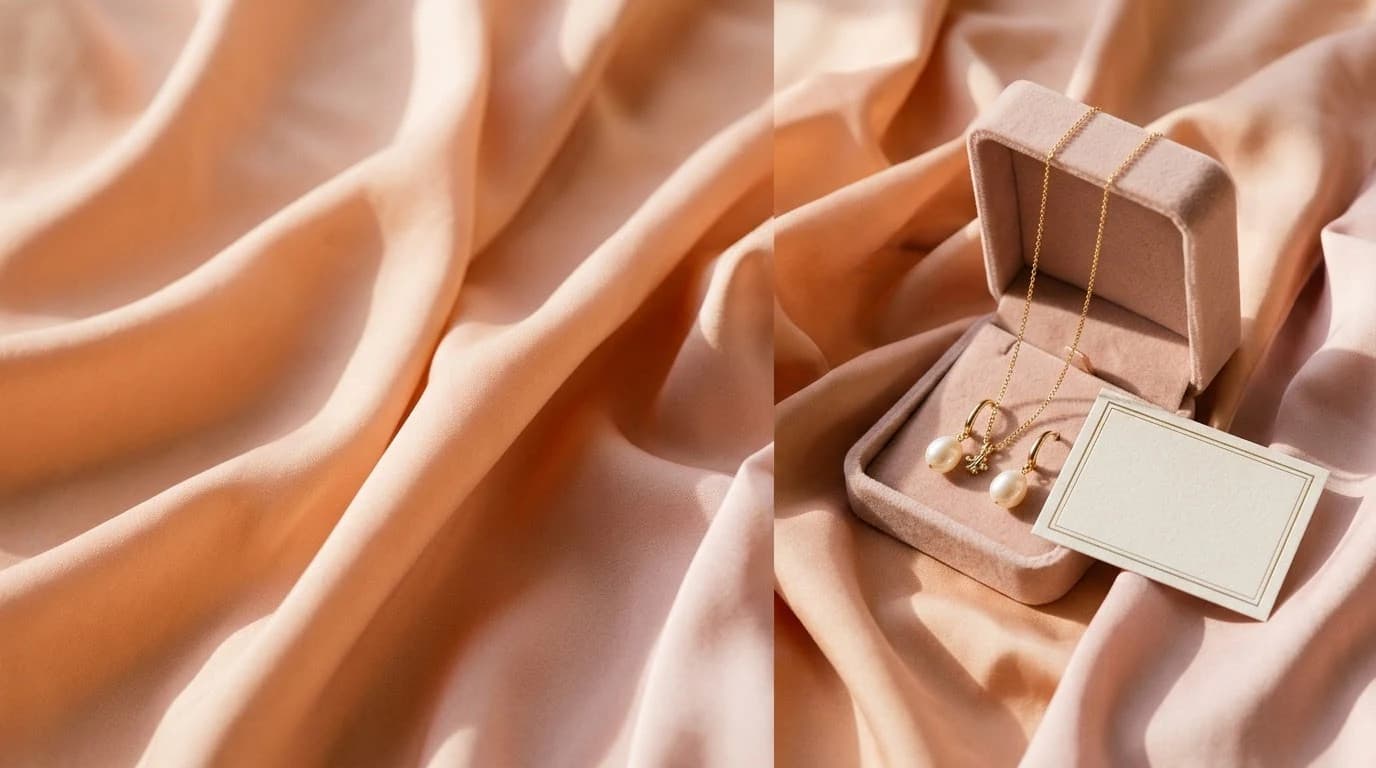
A jewelry brand lists a necklace and earring gift set in gold-filled and sterling silver. The set ships in a gift box with a polishing cloth, and a gift note is optional. The buyer needs the metal color, chain length, earring size and exactly what the box contains. The risk is a warm, romantic scene that shifts the metal color, makes the pendant look larger, or implies the gift note and polishing cloth are always included.
The image set
Lead with the set arranged on a neutral surface, then an on-model scale frame, a chain-length frame with a ruler or measured drop, an earring and backing macro, a metal hallmark frame, a gift-box contents frame, an unboxing sequence and one styled gift scene. Keep the same neutral light across metals so the buyer can compare gold-filled and silver accurately. The gift scene comes after the evidence frames.
Channel constraints
On the Shopify PDP, the first image appears in collection cards and search results, so the set shape and metal must read at a small size. Check Shopify Help's product media guidance for gallery behavior and media types. If the set is advertised as a gift, the packaging frame should match what actually ships; the gift note should be shown only if it is included by default. For accessibility, use the W3C WAI images tutorial to write alt text that names the metal and the two pieces rather than repeating the product title.
The review that caught the risk
The team compared the metal color under neutral light, measured the chain and earring drop, and confirmed the hallmark. The first gift-box frame included a polishing cloth and a note card, but the note card was an optional add-on; the frame was relabeled to separate included and optional items. The warm lifestyle scene was moved later because it made the gold-filled set look like solid yellow gold. They also checked Google Search Central image best practices for the PDP alt text and image filenames.
The reusable lesson
Build gift sets around three frames: what the jewelry looks like, how it sits on a body, and what the box contains. Keep optional extras out of the contents frame or label them clearly. Store the metal reference, chain length and packaging list with the SKU so a seasonal box change does not create a mismatch. Track gift-note questions, packaging complaints and metal-color returns; if the same question repeats, add a frame rather than a paragraph.
FAQ
What images does a Shopify jewelry gift set need?
A neutral set lead, an on-model scale frame, a chain-length frame, an earring and backing macro, a hallmark frame, a gift-box contents frame, an unboxing sequence and one styled scene.
How do I keep gold-filled and silver colors accurate?
Use neutral diffused light, include the same reference surface for both metals, export in sRGB, and compare the final file with the physical pieces. Do not warm the whole scene to make the gift mood stronger.
Should the gift box appear in every image?
No. Use one dedicated contents frame that shows the box, insert and included extras, and keep optional add-ons out of it or label them clearly.
How should chain length be shown?
Use a ruler or measured drop on a model and state the chain length in the copy. A close crop without a scale cue makes the pendant look larger than it is.
Can AI generate a Shopify jewelry gift set image?
It can generate supporting gift scenes and unboxing directions, but metal color, chain length, earring size, hallmark, box contents and included extras must be verified against the physical set.
Official sources
- Amazon Seller Central — product image requirementsChecked 2026-11-13
- Shopify Help — product mediaChecked 2026-11-13
- Google Search Central — image best practicesChecked 2026-11-13
Checked before publishing. Confirm the current requirements on the destination platform before a batch upload.
Related resources
Coffee and Tea Product Image Guide (2026)
How to photograph coffee and tea so origin, roast, grind, brew method, freshness and weight are accurate across storefront and marketplace images.
Computer and Laptop Product Image Guide (2026)
How to photograph computers and laptops so ports, configuration, scale, materials and performance claims are accurate across storefront and marketplace images.
Garden and Outdoor Living Product Image Guide (2026)
How to photograph garden and outdoor living products so weather resistance, scale, materials and safety are accurate across storefront and marketplace images.
Home and Kitchen Product Image Guide (2026)
How to photograph home and kitchen products so scale, material, contents, care limits and safety claims stay accurate across storefronts and marketplaces.
Resource center
A central entry point for guides, examples, templates, industry pages, and channel hubs.
E-commerce video
Alongside product-image workflows, AISellerKit supports e-commerce video generation from a product start image and a short creative direction. It helps teams explore product motion for PDP heroes, short-form ads, and social previews, while keeping task history in the same account workspace. Teams must review every result for product accuracy and channel compliance before publishing.
Industry pages
Explore category-specific workflows for beauty, electronics, home, pet, and more.
Examples
Inspect public examples for detail pages, hero visuals, and marketplace sets.
Templates
Use reusable prompt and workflow templates for production tasks.