
Amazon Main Image vs Lifestyle Image (2026)
The Amazon main image is a compliance asset that wins the click in search results; lifestyle images are supporting assets that answer questions about scale, use and context. This comparison explains what each must prove, where sellers mix them up, and how to produce a compliant main image and a useful lifestyle set from the same verified product reference.
AISellerKit Editorial Team · Reviewed by Commerce Strategy Team · Updated Nov 20, 2026
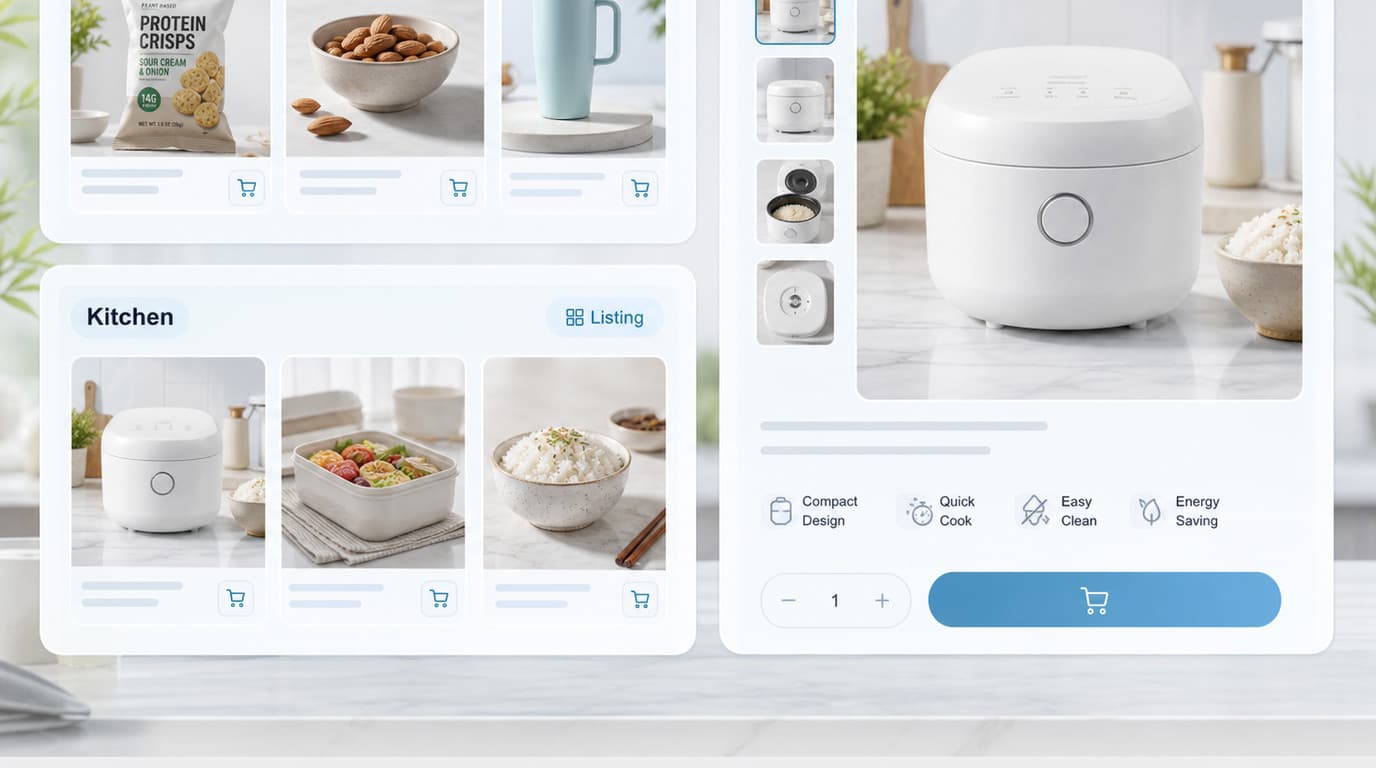
Production and review workflow
What the main image must prove
The main image is the thumbnail a shopper sees in Amazon search results, so its first job is recognition and its second job is compliance. Amazon Seller Central's product image requirements set the lead-image rules, which generally call for a clean background, a product-first composition and no added text, logos or watermarks. Some categories add or relax requirements, so confirm the current category style guide before production. The image must match the variation and the pack contents exactly. A prop is not decoration in this slot: if it is not included with the product, it should not appear in the main image.
What a lifestyle image can prove
Supporting lifestyle images answer the questions the main image cannot: how large the product is, how it is used, what environment it suits, how it is installed and what the material looks like up close. Amazon's A+ Content design guide also treats module imagery as a way to explain benefits, use cases and comparisons after the click. A lifestyle scene can create desire, but it cannot invent a use the product does not support, and a person or prop cannot imply contents that are not in the box. The strongest supporting set gives each frame one buyer question.
Where the two roles get reversed
The most common mistake is putting a lifestyle scene in the main image slot, which can lead to rejection or suppression. The second is treating the main image as a poster by adding promotional text, borders or watermarks. The third is a lifestyle frame that shows an accessory the buyer will not receive. A subtler problem is AI generation that changes the product shape, color or label while the team reviews only the mood of the scene. The main image has to survive a small thumbnail; the lifestyle frame has to survive a line-by-line comparison with the detail page.
Compliance review for the main image
Give the main-image review to someone who did not produce the image. Check the current Amazon Seller Central requirements for the category: background treatment, how much of the frame the product fills, the presence of text or watermarks, the accuracy of the variation and pack, and any category-specific prop rules. Do not apply a rule from another category or assume that last year's approved image is still compliant. Keep a record of the rule version, the reviewer and the date so a future update starts from a known state.
Producing both roles from one reference
Start with a verified SKU reference: front, back, label, packaging contents and scale. Produce and approve the main image first, because it fixes the product view every other asset must match. Then build the lifestyle set around the questions the main image leaves open. Review the main image for compliance and the lifestyle set for product accuracy and claims. Store the approved master, the channel exports and the review notes together, and redo both sets when the packaging or the category rule changes.
FAQ
Can a lifestyle photo be the Amazon main image?
In most categories, no. The main image is governed by Amazon Seller Central's product image requirements and the category style guide, which generally expect a clean, product-first frame. Use lifestyle photos in supporting slots and confirm the current rule before uploading.
Do lifestyle images have to match the main image exactly?
They must show the same product, variation, color and included contents. The scene can change, but the product facts cannot. If a prop is not sold with the item, it must not look like part of the pack.
How many lifestyle images should an Amazon listing have?
Enough to answer the real buyer questions: scale, use, material, installation and compatibility. Image slot limits and category rules vary, so check the current limit in Seller Central instead of filling every slot with a repeated hero shot.
Can AI generate Amazon lifestyle images?
Yes, from an approved product reference, but every output needs a product-accuracy review. AI can change shape, label text, contents and scale, and those changes are listing defects even when the scene looks convincing.
What is the biggest Amazon main image mistake?
Treating it as a poster. Added text, decorative props and dramatic scenes can fail review or hide the product at thumbnail size. The main image should make the product unmistakable at a glance and match the pack exactly.
Official sources
- Amazon Seller Central — product image requirementsChecked 2026-11-13
- Shopify Help — product mediaChecked 2026-11-13
- Google Search Central — image best practicesChecked 2026-11-13
Checked before publishing. Confirm the current requirements on the destination platform before a batch upload.
Related resources
Amazon Main Image vs A+ Content Images (2026)
Compare Amazon main images and A+ Content images: compliance, buyer role, storytelling and the workflow that keeps both accurate.
Walmart Main Image vs Amazon Main Image (2026)
Compare Walmart and Amazon main image rule sets, review workflows and the production habits that keep one master image compliant on both.
Shopify Product Images vs Etsy Listing Images (2026)
Compare Shopify storefront images and Etsy listing images: shopper intent, crops, storytelling and the review each channel needs.
eBay Photo vs Amazon Listing Photo (2026)
Compare eBay item photos and Amazon listing photos: condition evidence, trust, compliance rules and the workflow for sellers who list on both.
Resource center
A central entry point for guides, examples, templates, industry pages, and channel hubs.
E-commerce video
Alongside product-image workflows, AISellerKit supports e-commerce video generation from a product start image and a short creative direction. It helps teams explore product motion for PDP heroes, short-form ads, and social previews, while keeping task history in the same account workspace. Teams must review every result for product accuracy and channel compliance before publishing.
Industry pages
Explore category-specific workflows for beauty, electronics, home, pet, and more.
Examples
Inspect public examples for detail pages, hero visuals, and marketplace sets.
Templates
Use reusable prompt and workflow templates for production tasks.