
Product Size Guide Image Template: Measurements and Fit
Use this product size guide image template to show measurement points, units and fit guidance that reduce sizing returns across storefronts and marketplaces.
AISellerKit Editorial Team · Reviewed by Commerce Strategy Team · Updated Nov 20, 2026
Production and review workflow
When a size guide image belongs on the page
Use this template when fit or dimensions drive the purchase decision and buyers cannot try the product: apparel, footwear, rings, furniture, bags and anything with a critical measurement. An image guide earns its place when it shows where the tape goes and how the product is measured, which a plain size table cannot do. If the product has a stable, simple size and returns are low, a short table may be enough; add the image only when it answers a real fit question.
Measurement and fit slot order
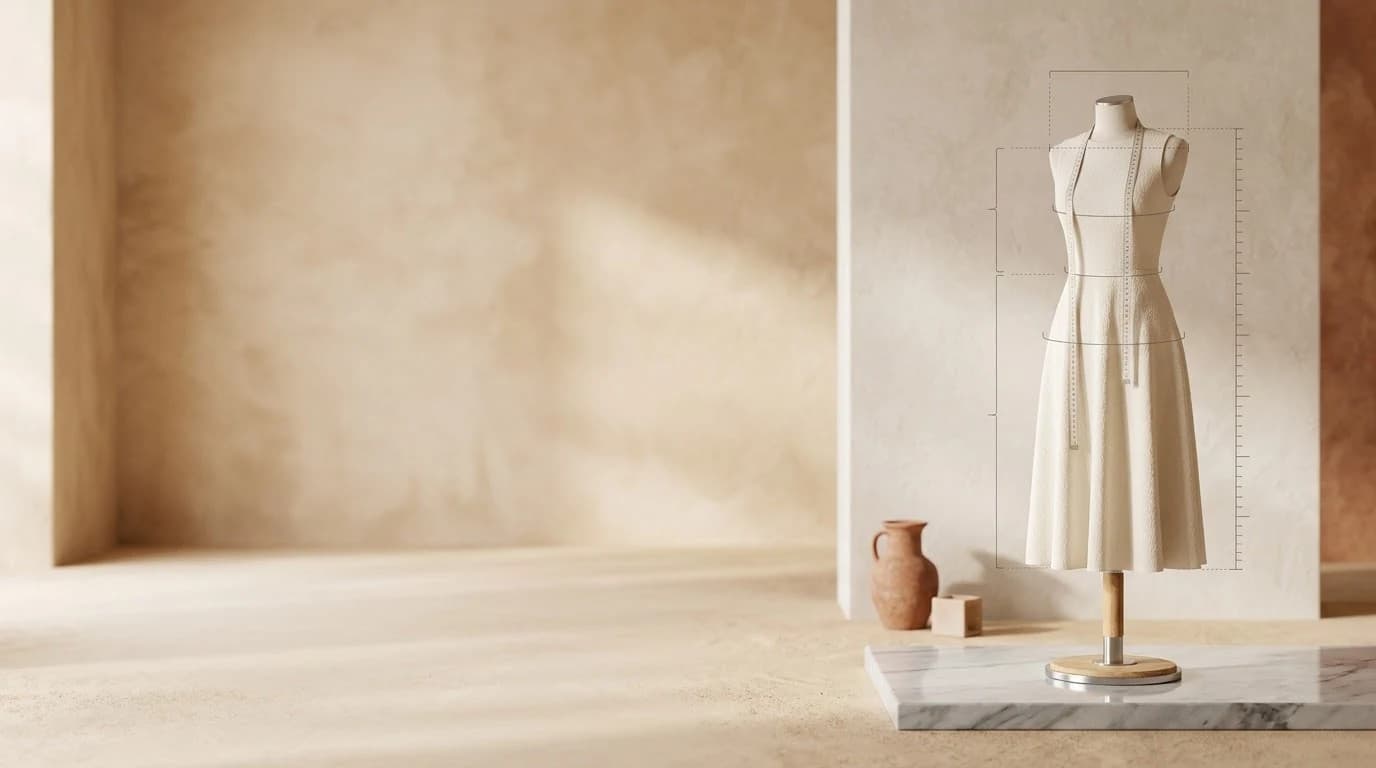
Start with a front and back diagram that marks each measurement point on the product, then add a body-measurement diagram for apparel, a size table with both centimeters and inches, a fit-model block with height and worn size, and a note on stretch, shrinkage or tolerance. For furniture, show the footprint, height and clearance; for rings, show the inner diameter and a printable sizer reference. Keep the same slot order across a category so returning buyers can compare products quickly.
Copy rules for units and fit language
State the unit on every number and do not mix centimeters and inches in the same row without labeling both. Describe fit with observable facts such as relaxed, regular or close-fitting and the model's height and size, rather than vague words like true to size. If the team says a style runs small or large, tie it to return data or measured garment dimensions. Keep the size labels identical to the product variants and the marketplace size attribute, and localize the size system for each market rather than translating only the words.
Channel differences for size guides
Shopify themes and size-chart apps render guides differently on desktop and mobile, so the image must remain readable when stacked or opened in a modal. Amazon apparel categories have their own size attributes and image expectations, while Etsy handmade listings often rely on a detailed measurement image because sizing is not standardized. Marketplace size filters and product attributes can conflict with the image, so check the current Amazon Seller Central, Etsy Help and Shopify Help documentation. For accessibility, W3C WAI guidance recommends a text alternative for information conveyed by an image.
Size guide review checklist
Measure the actual sample with a tape and compare every number to the table, including tolerance. Check unit conversion, model height and worn size, and make sure the fit wording matches the return data and the product description. Open the guide on a phone and confirm the text is readable without zoom, then verify that the size selector, marketplace attribute and image labels agree. After a pattern, supplier or fabric change, re-measure before reusing the guide.
FAQ
What is a product size guide image template?
It is a standardized layout for measurement diagrams, unit-labeled size tables and fit-model information that helps buyers choose the right size without trying the product.
Should the size guide use an image or a table?
Use both when fit is complex: the image shows where to measure and the table gives exact numbers. A table alone is fine when the product has a simple, stable size.
How do I handle unit conversion and regional sizing?
Show centimeters and inches with clear labels, localize the size system for each market, and keep the image labels consistent with the marketplace size attribute. Check the current channel documentation for required size fields.
Can AI generate a size guide image?
AI can help lay out the diagram and typography, but every measurement must come from the physical sample and be verified by a person before publishing.
What should I check before publishing a size guide?
Measure the sample, compare every number, check unit conversion and model details, test the guide on a phone, and confirm the size labels match the variant and marketplace attributes.
Official sources
- Amazon Seller Central — product image requirementsChecked 2026-11-13
- Shopify Help — product mediaChecked 2026-11-13
- Google Search Central — image best practicesChecked 2026-11-13
Checked before publishing. Confirm the current requirements on the destination platform before a batch upload.
Related resources
Fashion and Apparel Product Image Guide (2026)
How to plan apparel product images that show fit, fabric, colour and scale, reduce returns and work across marketplace and storefront channels.
Headphone and Audio Product Image Guide (2026)
How to photograph headphones and audio gear so fit, materials, controls, battery and codec claims are accurate across storefront and marketplace images.
Product Image Open Graph Guide (2026)
How to set the Open Graph image for product pages, the dimensions that survive social crops, and the cache checks that fix a stale preview.
Amazon Brand Story Image Specs (2026)
How Amazon Brand Story cards use images, what each card should prove, and the crop and text checks that keep the module consistent with the listing.
Resource center
A central entry point for guides, examples, templates, industry pages, and channel hubs.
E-commerce video
Alongside product-image workflows, AISellerKit supports e-commerce video generation from a product start image and a short creative direction. It helps teams explore product motion for PDP heroes, short-form ads, and social previews, while keeping task history in the same account workspace. Teams must review every result for product accuracy and channel compliance before publishing.
Industry pages
Explore category-specific workflows for beauty, electronics, home, pet, and more.
Examples
Inspect public examples for detail pages, hero visuals, and marketplace sets.
Templates
Use reusable prompt and workflow templates for production tasks.