
Headphone and Audio Product Image Guide (2026)
Audio buyers compare fit, materials, controls, battery and codec support before sound. This guide covers ear cup and tip fit, hinge and cable detail, honest noise-cancelling and battery claims, and the image set that prevents audio returns.
AISellerKit Editorial Team · Reviewed by Commerce Strategy Team · Updated Jul 3, 2026
Production and review workflow
What audio buyers need to judge
An audio buyer is matching a product to a device, a listening environment and a fit preference. They need the driver size, impedance, codec support, battery life, charging port and weight. They also need the ear cup or tip size, clamping force, hinge range and control layout. A sleek hero can hide a tight clamp or a missing case. Build the set around fit, controls and verified specifications.
Fit, ear tips and wearing comfort
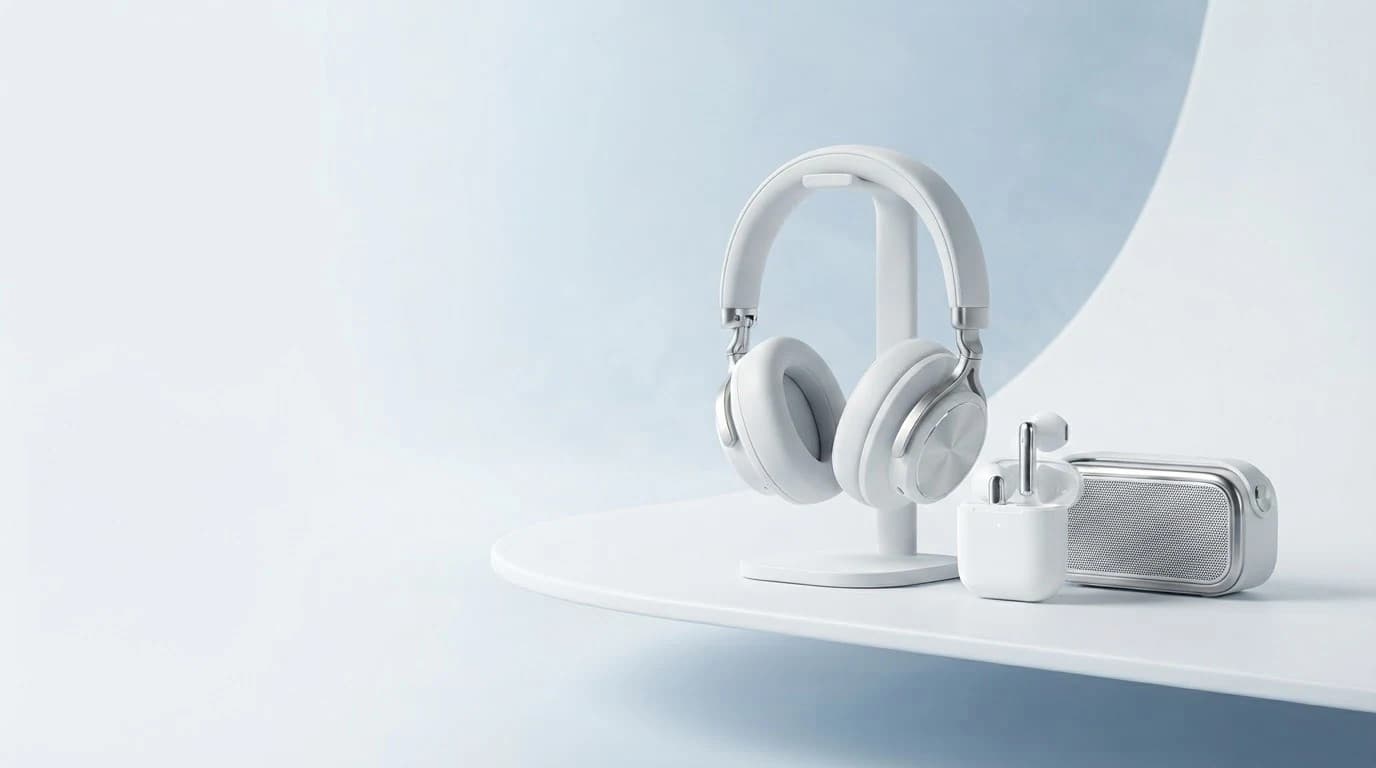
Show the ear cups, headband, sliders and ear tips at realistic scale. State the tip sizes included and whether replacement tips are available. Show the hinge range and the folded position. For over-ear headphones, show the cup opening and padding; for earbuds, show the nozzle and wing shape. A product photographed only on a stand cannot tell the buyer whether it will clamp too tightly or fall out during a run.
Materials, controls and ports
Show the ear pads, headband material, hinges, buttons, touch surface and ports at macro scale. State whether the pads are replaceable and what they are made of. Show the USB-C or lightning port, cable and 3.5 mm jack if present. For speakers, show the grille, driver surround, feet and control panel. Do not retouch away creases or wear on used pads; condition matters in the audio category.
Battery, codec and noise-cancelling claims
Battery life, charging time, codec support and noise-cancelling performance are testable claims. State the conditions used for the battery figure, such as volume level and ANC on or off. List supported codecs exactly. Do not imply studio-grade isolation from a passive headphone or claim a codec the device does not support. Show the model and firmware version where relevant, and keep the copy consistent with the specification sheet.
Box contents, compatibility and app features
Show the case, cable, adapter, tips and documentation that come in the box. State what is sold separately. For wireless models, show the companion app screen and the supported operating systems. For gaming headsets, state the platform compatibility and microphone boom position. Keep the image text consistent with the manual and avoid implying compatibility with a console or phone that is not listed.
A repeatable audio image set
Standardise six frames per SKU: a clean hero, a fit or ear-tip frame, a control and port frame, a material macro, a battery or specification frame and a box-contents frame. Keep the same light and background across a range so colours and finishes can be compared, and photograph every size with a scale reference. Store the codec, battery and firmware data with the SKU so a new batch does not reuse an old image.
FAQ
How do I show headphone fit accurately?
Show the ear cup opening, headband adjustment, hinge range and included ear tips at realistic scale, and state the clamping or tip sizes where available.
What audio specifications should a listing show?
Show driver size, impedance, Bluetooth version, supported codecs, battery life with test conditions, charging port and weight.
Can I claim a headphone has active noise cancelling?
Only when the model has ANC and the listing states the measured conditions. Do not imply ANC from passive isolation or a feature the device does not support.
Should the listing show box contents?
Yes. Show the case, cable, adapter, ear tips and documentation, and state clearly what is sold separately.
Can AI generate headphone and audio images?
It can generate supporting scenes and material directions, but fit, codecs, battery, ANC and compatibility claims must be verified against the physical product before publishing.
Official sources
- Amazon Seller Central — product image requirementsChecked 2026-11-13
- Shopify Help — product mediaChecked 2026-11-13
- Google Search Central — image best practicesChecked 2026-11-13
Checked before publishing. Confirm the current requirements on the destination platform before a batch upload.
Related resources
Baby and Kids Product Image Guide (2026)
How to photograph baby and children's products so age grading, safety features, materials and sizing are accurate across storefront and marketplace images.
Computer and Laptop Product Image Guide (2026)
How to photograph computers and laptops so ports, configuration, scale, materials and performance claims are accurate across storefront and marketplace images.
Footwear Product Image Guide (2026)
How to photograph shoes so fit, sizing, sole construction, materials and return-reducing details are clear across marketplace and storefront images.
Industrial and B2B Product Image Guide (2026)
How to photograph industrial and B2B products so specifications, certifications, compatibility, scale and documentation are accurate across procurement listings.
Resource center
A central entry point for guides, examples, templates, industry pages, and channel hubs.
E-commerce video
Alongside product-image workflows, AISellerKit supports e-commerce video generation from a product start image and a short creative direction. It helps teams explore product motion for PDP heroes, short-form ads, and social previews, while keeping task history in the same account workspace. Teams must review every result for product accuracy and channel compliance before publishing.
Industry pages
Explore category-specific workflows for beauty, electronics, home, pet, and more.
Examples
Inspect public examples for detail pages, hero visuals, and marketplace sets.
Templates
Use reusable prompt and workflow templates for production tasks.