
Shopify PDP Product Video Workflow
Place video where motion removes doubt: rotation, use or scale near the product page, not as decoration in collection grids. Keep the opening poster frame useful as a still image.
AISellerKit Editorial Team · Reviewed by Commerce Strategy Team · Updated Nov 6, 2026
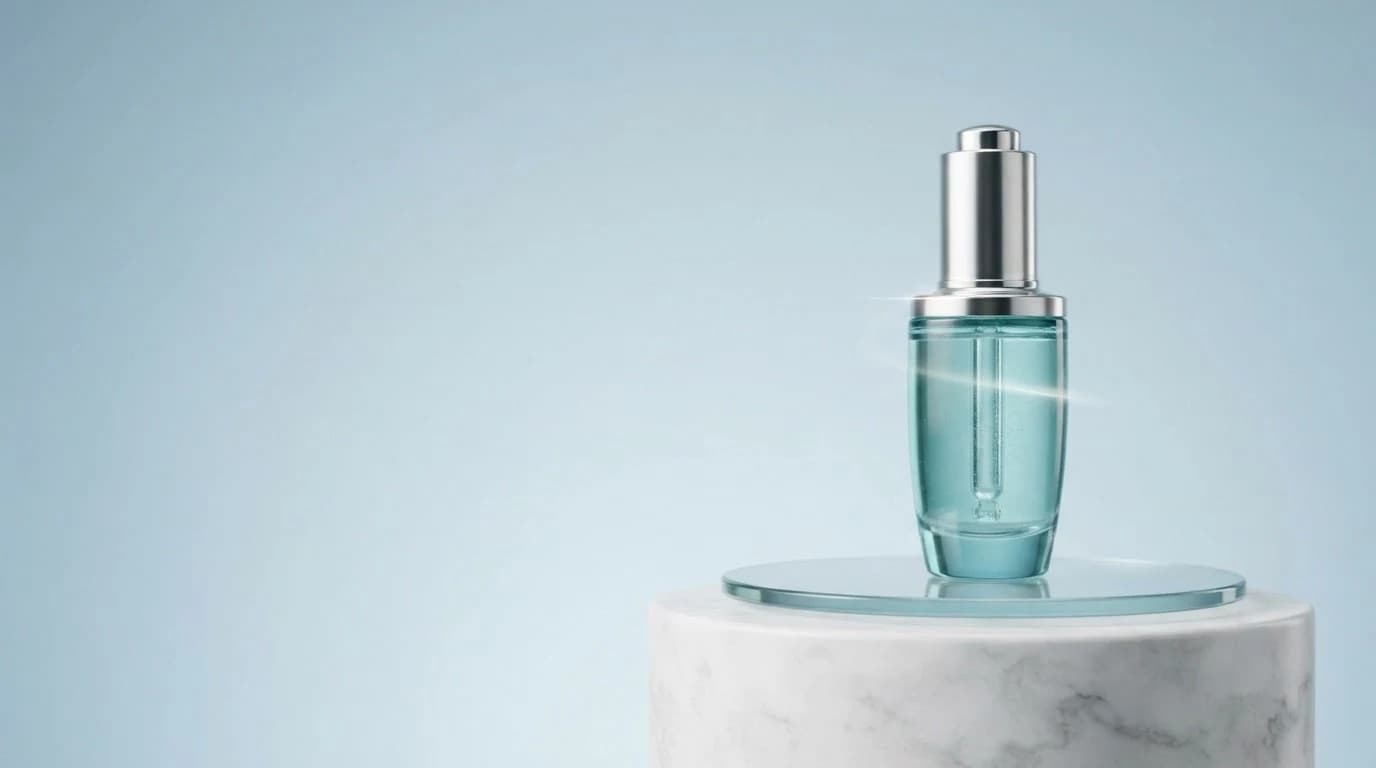
Production and review workflow
Extend a product image into video creative directions
These static cards show video creative directions, not finished video files: select an accurate product start image, then render the direction in the e-commerce video workflow.
Product-image-to-video creative directions
These static examples show where an e-commerce video starts: bring an accurate product image into the video workflow for product orbit, detail push-in, or lifestyle motion, then review every output before publishing.
Launch review checklist
Motion makes product claims easier to misread, so review the video the way a buyer will: on a phone, muted, at thumbnail size. Confirm that the product shape, packaging, included items, and any on-screen text match the listing before publishing to Shopee, Amazon, Shopify, or paid social.
Where video earns its place on a storefront
Video on a Shopify storefront works best where motion carries information that a still cannot: how a fabric drapes, how a product is opened, how a texture behaves in light, or how a routine is performed. Placed in a collection it slows the browsing loop; placed near the top of a PDP it removes doubt. Put it where the question is being asked.
Producing storefront video without a shoot
Storefront video does not have to be a production. A clip that rotates the product, a clip that shows it in use, and a clip that shows scale cover most catalogue needs. Keep one template per product family, reuse the opening frame, and check the first frame as a still image, because that frame is what appears in the player before playback starts.
Shopify video specs and placement
Use the shortest clip that answers a real product question, usually 6–30 seconds. Export a square or vertical master for the gallery and a 16:9 variant for section backgrounds, keep the first frame readable without playback, and add captions because most storefront video starts muted. Use a poster image, compress for web delivery, and do not autoplay a loud clip that competes with the buy button.
Video QA before publishing
Review the clip for product accuracy before judging the edit. The product shape, colour, labels and included items must match the approved reference, claims must be supportable, and captions must match the audio. Check the loop, the first frame, the file size and the mobile crop, then watch it once with sound off as a shopper would.
FAQ
What can AI e-commerce video generation help me create?
It turns a clear product start image and a short video direction into a product-motion concept for PDP heroes, short-form ads, social previews, and launch tests. Review product details, on-screen text, and channel rules before publishing.
What assets and rights are required for e-commerce video generation?
Use a clear product image and upload only products, people, brands, and scenes that you own or are authorized to use. The inputs needed for the task are sent to configured video-model services and the result is saved in your task history.
Can I generate an e-commerce video from one product image?
Yes. Start with a clear, accurate product image and describe the desired motion or scene in the e-commerce video workflow. Review product details, text, and channel requirements before publishing any AI-generated result.
Where should product video go on a Shopify store?
Near the top of the product page when motion removes doubt about the product, and lower down when it shows routine or detail. On collection pages it usually slows browsing, so use it there only when motion helps comparison.
How long should storefront product video be?
Short enough that the product is clear before the viewer decides to scroll. Fifteen to thirty seconds covers most catalogue needs when the clip shows one idea.
Should Shopify product video autoplay?
Autoplay is acceptable only when the clip is muted, short and does not push the product information or buy button out of view. A click-to-play gallery video is safer for longer clips, sound-led demonstrations and pages where the shopper needs to compare still images first.
What should the first frame of a product video show?
The first frame should identify the product and the question the clip answers, not a logo or an empty scene. It also acts as the poster when autoplay is unavailable, so treat it like a still product image with a clear subject and readable composition.
Official sources
- Shopify Help — product mediaChecked 2026-11-11
- Google Search Central — image best practicesChecked 2026-11-13
- Amazon Seller Central — product image requirementsChecked 2026-11-13
Checked before publishing. Confirm the current requirements on the destination platform before a batch upload.
Related resources
Amazon Product Video Workflow
Amazon Product Video Workflow. Includes product-image-to-video creative directions for e-commerce motion.
Shopee Product Video Workflow
Shopee Product Video Workflow. Includes product-image-to-video creative directions for e-commerce motion.
TikTok Shop Product Video Workflow
TikTok Shop Product Video Workflow. Includes product-image-to-video creative directions for e-commerce motion.
Shopify PDP Image Generator
Build Shopify PDP image sets for hero, benefits, use cases, trust, and mobile galleries, with a conversion-focused order for each SKU.
Resource center
A central entry point for guides, examples, templates, industry pages, and channel hubs.
E-commerce video
Alongside product-image workflows, AISellerKit supports e-commerce video generation from a product start image and a short creative direction. It helps teams explore product motion for PDP heroes, short-form ads, and social previews, while keeping task history in the same account workspace. Teams must review every result for product accuracy and channel compliance before publishing.
Industry pages
Explore category-specific workflows for beauty, electronics, home, pet, and more.
Examples
Inspect public examples for detail pages, hero visuals, and marketplace sets.
Templates
Use reusable prompt and workflow templates for production tasks.