
Pet Harness Listing Image Example (2026)
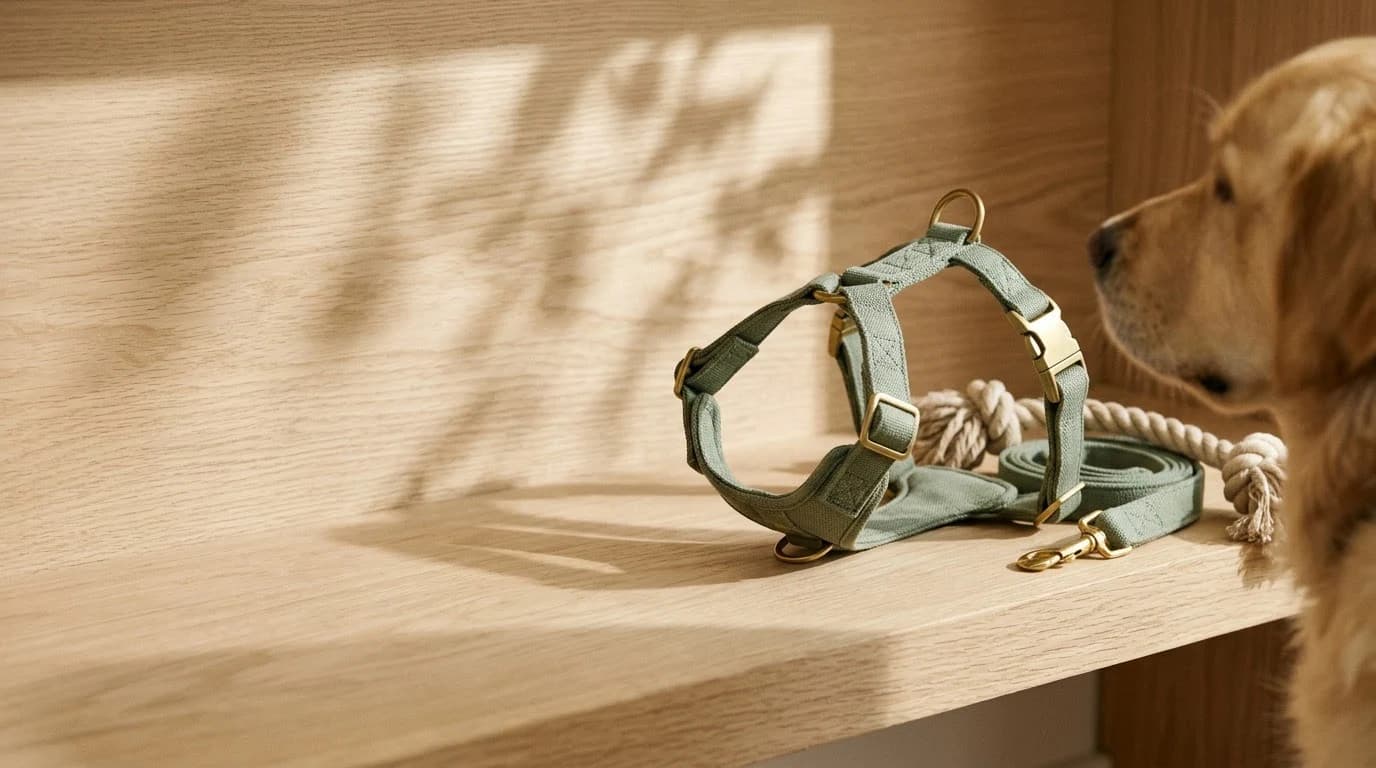
This example shows a dog harness set that proves chest and neck fit across breeds, shows every adjustment point and makes the safety review visible.
AISellerKit Editorial Team · Reviewed by Commerce Strategy Team · Updated Jul 3, 2026
Production and review workflow
The scenario
A pet gear brand is listing an adjustable dog harness in four sizes. The product fits a wide range of breeds, and the straps, buckles and D-ring are the key purchase details. The risk is a single photogenic dog representing every size, leaving large-breed buyers unsure whether the chest range will fit.
The frame set
Lead with the harness laid flat and measured, then show it on at least two breeds or body shapes, a close-up of the buckles and adjustment points, a chest and neck measurement frame, a D-ring and leash attachment frame, and a packing or care frame. Keep the same light and background so the size range can be compared.
Review before publishing
Measure the chest and neck range for each size and compare it with the copy. Confirm the harness is adjusted correctly on each dog and that no strap is twisted or hiding a buckle. Check that the D-ring and stitching look secure. If the product is for walking only and not for restraint in a car, say so rather than implying multi-use safety.
Channel adaptation
On a marketplace, keep the flat lead and measurement frame product-first. On a brand storefront, the on-dog images can show walking context and breed range. For social, use the fit and adjustment clips with a short safety note. Keep the size chart identical across every surface.
What to measure
Track sizing questions, exchanges, escape or buckle complaints and reviews that mention fit. If large-breed buyers keep asking about the chest range, add a large-dog frame and a chest measurement comparison. Keep the approved fit references with the SKU for future colorways.
FAQ
What images does a dog harness listing need?
A flat measured lead, on-dog fit on more than one breed, buckle and adjustment detail, chest and neck measurements, D-ring attachment and care information.
How do I show harness size accurately?
State the chest and neck range for each size, show the harness on more than one breed or body shape, and include a tape measure or familiar reference.
Should the listing show adjustment points?
Yes. Show the straps, buckles and D-ring clearly so the buyer can see how the harness fits and where it attaches.
Can I imply the harness is safe for car restraint?
Only if the product is specifically tested for that use. Otherwise state that it is for walking and do not imply car-restraint safety.
Can AI generate a pet harness image?
It can generate supporting scenes and on-dog directions, but chest and neck fit, hardware and intended use must be verified against the physical harness.
Official sources
- Amazon Seller Central — product image requirementsChecked 2026-11-13
- Shopify Help — product mediaChecked 2026-11-13
- Google Search Central — image best practicesChecked 2026-11-13
Checked before publishing. Confirm the current requirements on the destination platform before a batch upload.
Related resources
Pet Product Image Guide (2026)
How to photograph pet products so size, fit, material safety, chew resistance, washability and included contents are clear across storefront and marketplace images.
Amazon Listing Image Requirements 2026
See how an Amazon listing image generator can help sellers create main-image directions, lifestyle scenes, feature callouts, and benefit visuals faster.
Eyewear Product Image Guide (2026)
How to photograph glasses and sunglasses so frame width, lens tint, fit, UV claims and lens options are accurate across storefront and marketplace listings.
Fashion and Apparel Product Image Guide (2026)
How to plan apparel product images that show fit, fabric, colour and scale, reduce returns and work across marketplace and storefront channels.
Resource center
A central entry point for guides, examples, templates, industry pages, and channel hubs.
E-commerce video
Alongside product-image workflows, AISellerKit supports e-commerce video generation from a product start image and a short creative direction. It helps teams explore product motion for PDP heroes, short-form ads, and social previews, while keeping task history in the same account workspace. Teams must review every result for product accuracy and channel compliance before publishing.
Industry pages
Explore category-specific workflows for beauty, electronics, home, pet, and more.
Examples
Inspect public examples for detail pages, hero visuals, and marketplace sets.
Templates
Use reusable prompt and workflow templates for production tasks.