
eBay Camera Lens Listing Image Example (2026)
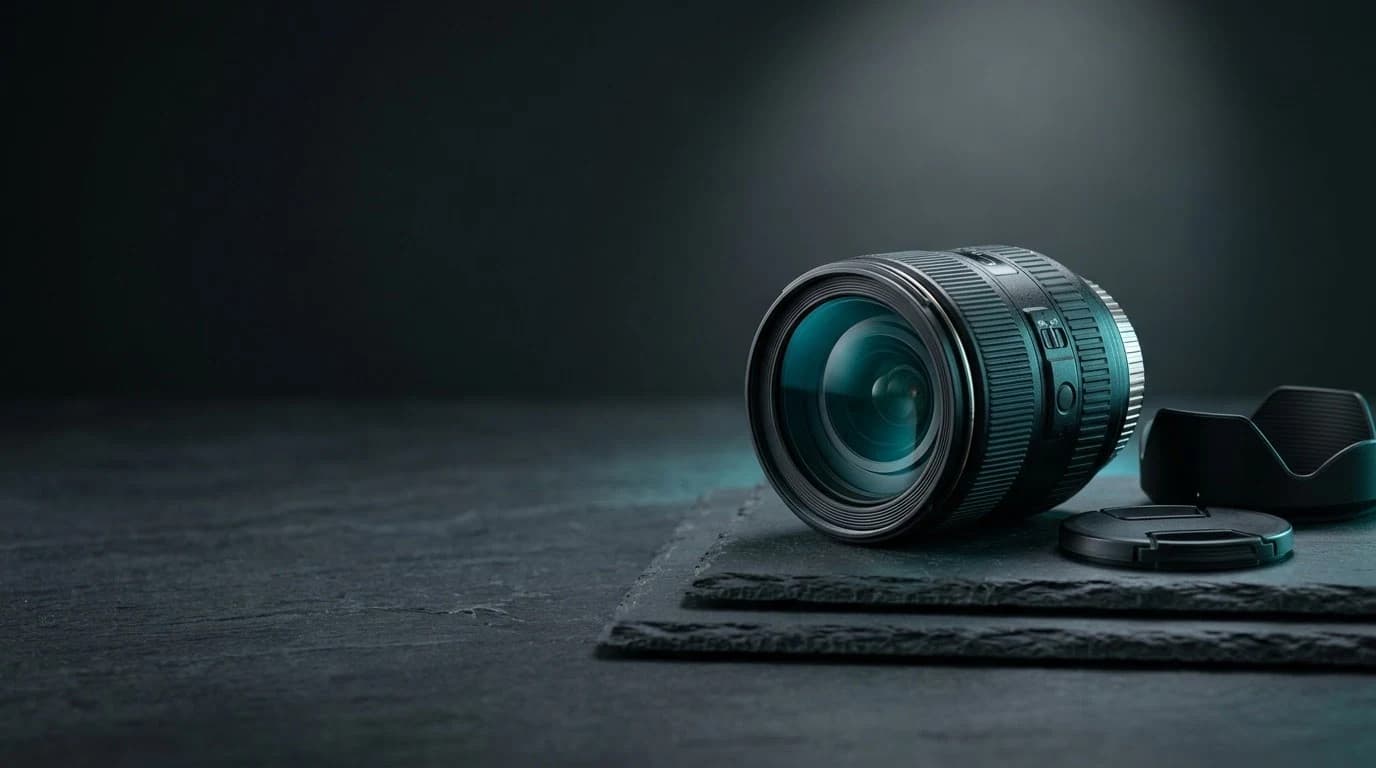
This eBay camera lens example shows a used prime lens documented under raking light, with glass, aperture, mount and test-shot frames that support the condition grade.
AISellerKit Editorial Team · Reviewed by Commerce Strategy Team · Updated Nov 20, 2026
Production and review workflow
The scenario
A reseller lists a used fifty-millimetre prime lens graded as excellent, with light dust, clean glass and no box. The caps and hood are included, the serial is visible and the lens has been tested at several apertures. The buyer needs to see the actual unit, the glass, the mount and the wear that defines the grade. The risk is a soft, flattering light that hides haze or a stock photo that makes the lens look newer than it is.
The image set
Lead with the actual lens, then a front-glass frame under raking light, a rear-glass frame, an aperture-blade frame, a mount and bayonet frame, a focus-ring and distance-scale frame, a serial or model frame, a completeness frame with caps and hood, and one test-shot frame that shows the image produced at a stated aperture. Keep the light plain so dust and wear stay visible rather than being polished away.
Channel constraints
eBay's picture policy expects the actual item and does not allow a catalog image to stand in for the used unit; check the current policy before listing. The advanced listing tool guidance is the reference for photo order and gallery behavior, and the mobile gallery is where most bidders first see the lens. Do not add borders, contact details or promotional text that the policy does not allow. The same evidence set can support a brand refurbished page, but the eBay lead stays the actual unit.
The review that caught the risk
The team inspected the glass under a narrow raking light, checked for fungus, haze and scratches, and exercised the aperture and focus ring. They matched the serial to the unit and recorded the test apertures. The first glass frame was rejected because a softbox reflection covered the area where a faint cleaning mark was visible; it was reshot with a smaller highlight. They also checked Google Search Central image best practices for the storefront copy of the listing, mainly for descriptive alt text.
The reusable lesson
Standardize a lens inspection sequence: front glass, rear glass, aperture, mount, rings, serial, accessories and test shot. Keep the same sequence for every lens so buyers can compare condition grades across listings. Store the test images and serial record with the SKU. Track condition disputes and not-as-described claims; if they cluster around glass or aperture, add the relevant frame earlier rather than rewriting the description.
FAQ
What images does a used camera lens listing need?
The actual lens, front and rear glass under raking light, aperture blades, mount and bayonet, focus ring and distance scale, the serial or model, included accessories and a test shot at a stated aperture.
Can I use a manufacturer photo as the eBay lead image?
No for a used item. eBay's picture policy expects the actual item, and buyers need to see the real glass, mount wear and included accessories before bidding.
How do I show lens condition honestly?
Use plain raking light instead of soft glamour light, disclose dust, haze, scratches and wear, and match the photos to the condition grade. Reshoot if a reflection hides a mark.
What should a test-shot frame prove?
It should show an image produced by the lens at a stated aperture, so the buyer can judge sharpness and any optical issue. Keep the test settings with the listing record.
Can AI generate a used camera lens image?
It can generate supporting backgrounds, but the actual lens, glass, wear, serial and test shot must be photographed and verified before the listing goes live.
Official sources
- eBay Help — picture policyChecked 2026-11-18
- Google Search Central — image best practicesChecked 2026-11-13
- Shopify Help — product mediaChecked 2026-11-13
Checked before publishing. Confirm the current requirements on the destination platform before a batch upload.
Related resources
Camera Product Image Guide (2026)
How to photograph cameras and lenses so sensor format, mount, condition, kit contents and performance claims are accurate across marketplace images.
Baby and Kids Product Image Guide (2026)
How to photograph baby and children's products so age grading, safety features, materials and sizing are accurate across storefront and marketplace images.
Collectible and Art Product Image Guide (2026)
How to photograph collectibles and art so condition, edition, scale, provenance and authenticity claims are accurate across marketplace and storefront images.
Sports and Outdoor Product Image Guide (2026)
How to photograph sports and outdoor gear so real use, durability, fit, weather limits and safety claims are accurate across storefront and marketplace images.
Resource center
A central entry point for guides, examples, templates, industry pages, and channel hubs.
E-commerce video
Alongside product-image workflows, AISellerKit supports e-commerce video generation from a product start image and a short creative direction. It helps teams explore product motion for PDP heroes, short-form ads, and social previews, while keeping task history in the same account workspace. Teams must review every result for product accuracy and channel compliance before publishing.
Industry pages
Explore category-specific workflows for beauty, electronics, home, pet, and more.
Examples
Inspect public examples for detail pages, hero visuals, and marketplace sets.
Templates
Use reusable prompt and workflow templates for production tasks.