
Camera Product Image Guide (2026)
Camera buyers compare sensor, mount, shutter count and kit contents before price. This guide covers lens and body detail, condition disclosure, kit inventory and the specification claims a camera listing must prove.
AISellerKit Editorial Team · Reviewed by Commerce Strategy Team · Updated Jul 3, 2026
Production and review workflow
What camera buyers need to judge
A camera buyer is matching a body and lens to a mount, a format and a workflow. They need the sensor format, resolution, mount, shutter count, video specification, ports, battery and included accessories. They also need the physical condition and whether the lens has dust, fungus or haze. A clean hero can hide a worn grip or a missing battery. Build the set around specifications, condition and kit inventory.
Body, lens and mount detail
Show the front, back, top plate, grip, mount and lens barrel at realistic scale. Use a macro for the lens glass, aperture blades, focus ring and mount contacts. State the mount and the compatible lens series. For used gear, show the shutter count, sensor condition, grip wear and any dents. Do not retouch away wear that affects value, and disclose dust, fungus or haze in a lens rather than photographing only the cleanest angle.
Kit contents and accessory inventory
Lay out every included item: body, lens, battery, charger, strap, caps, cables and manuals. State whether the original box is included. For kits, show the lens mounted and the accessories beside it. Do not use a stock photo that includes a lens or accessory not in the sale. For adapters and filters, show the thread size and mount type. A top-down inventory image prevents most kit disputes.
Images, video and performance claims
Resolution, burst rate, video codec, stabilisation and autofocus claims are testable. State the exact model and firmware, and do not imply a specification from a different variant. For video, state the crop factor and recording limit. For used gear, state the actuation count and any service history. Show the model plate and serial number where appropriate. Keep the image copy consistent with the specification sheet.
Condition, warranty and authenticity
Used and grey-market cameras need honest condition and provenance. Show the serial number, wear points, mount condition and any repair marks. State the warranty and return policy. Do not imply a manufacturer warranty that does not transfer. For collectible or vintage gear, show the patina, light seals and any included case. Keep the image text consistent with the condition report.
A repeatable camera image set
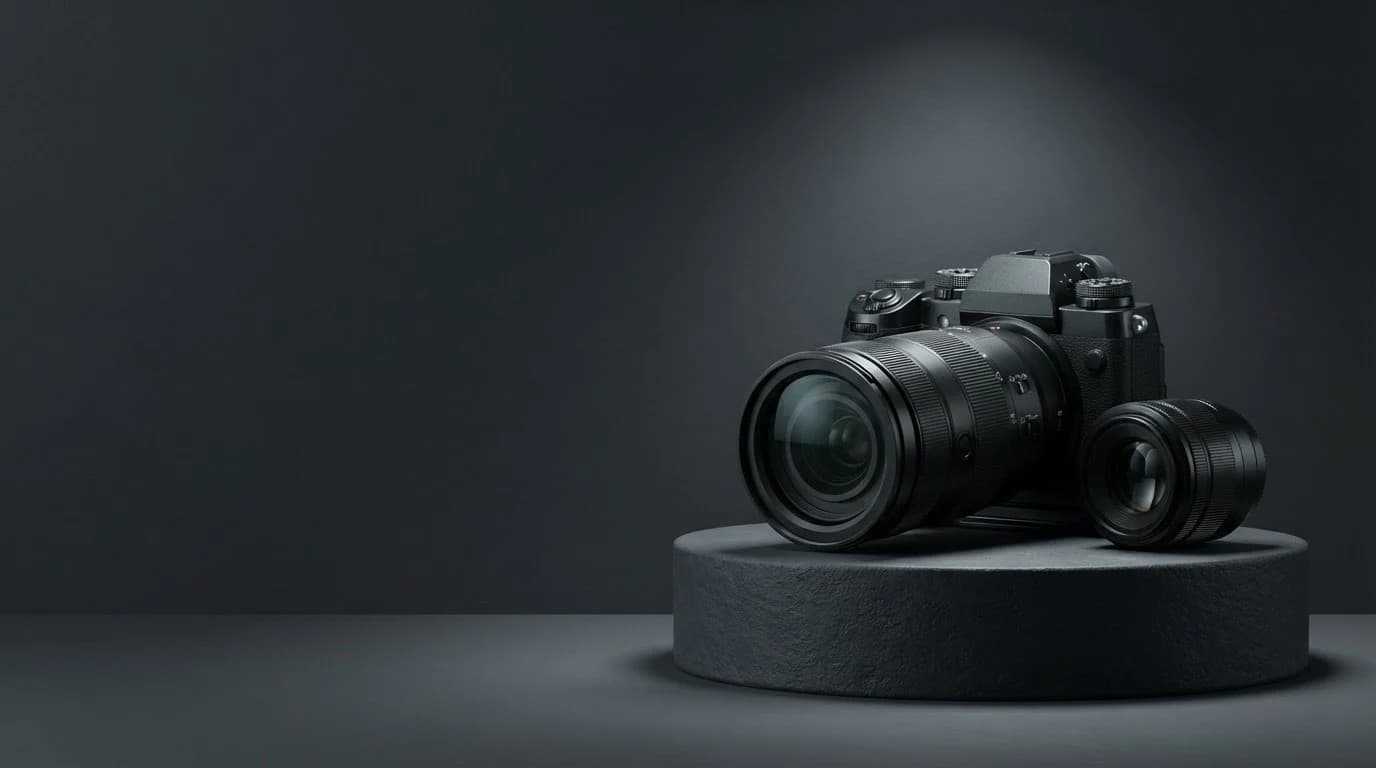
Standardise six frames per SKU: a clean hero, a mount and lens macro, a top-plate and control frame, a kit inventory frame, a condition or shutter-count frame and a sample-image or specification frame. Keep the same light and background across a range so finishes can be compared, and photograph every kit with a complete inventory. Store the shutter count, serial and firmware with the SKU so a new unit does not reuse an old image.
FAQ
How do I show camera condition honestly?
Show the grip wear, dents, mount condition, shutter count and any dust, fungus or haze. Do not retouch away wear that affects value.
What lens information should a listing show?
Show the mount, focal length, aperture, filter thread, glass condition and compatibility. Disclose dust, fungus or haze rather than photographing only the clean angle.
Should a camera kit listing show every accessory?
Yes. Lay out the body, lens, battery, charger, strap, caps, cables and manuals, and state whether the original box is included.
Can I claim a camera's video or burst specification?
Only for the exact model and firmware. State the crop factor, recording limit and test conditions, and do not mix specifications from another variant.
Can AI generate camera product images?
It can generate supporting scenes and material directions, but sensor, mount, shutter count, condition and kit contents must be verified against the physical gear before publishing.
Official sources
- Amazon Seller Central — product image requirementsChecked 2026-11-13
- Shopify Help — product mediaChecked 2026-11-13
- Google Search Central — image best practicesChecked 2026-11-13
Checked before publishing. Confirm the current requirements on the destination platform before a batch upload.
Related resources
Automotive Parts Product Image Guide (2026)
How to photograph automotive parts so fitment, compatibility, materials, condition and warranty claims are accurate across marketplace and storefront images.
Baby and Kids Product Image Guide (2026)
How to photograph baby and children's products so age grading, safety features, materials and sizing are accurate across storefront and marketplace images.
Bag and Luggage Product Image Guide (2026)
How to photograph bags and luggage so capacity, dimensions, hardware, materials and carry-on compliance are clear across storefront and marketplace images.
Cleaning Product Image Guide (2026)
How to photograph cleaning products so dilution, bottle size, surface compatibility, safety warnings and claims are accurate across compliant listings.
Resource center
A central entry point for guides, examples, templates, industry pages, and channel hubs.
E-commerce video
Alongside product-image workflows, AISellerKit supports e-commerce video generation from a product start image and a short creative direction. It helps teams explore product motion for PDP heroes, short-form ads, and social previews, while keeping task history in the same account workspace. Teams must review every result for product accuracy and channel compliance before publishing.
Industry pages
Explore category-specific workflows for beauty, electronics, home, pet, and more.
Examples
Inspect public examples for detail pages, hero visuals, and marketplace sets.
Templates
Use reusable prompt and workflow templates for production tasks.