
Amazon Pet Feeding Station Image Example (2026)
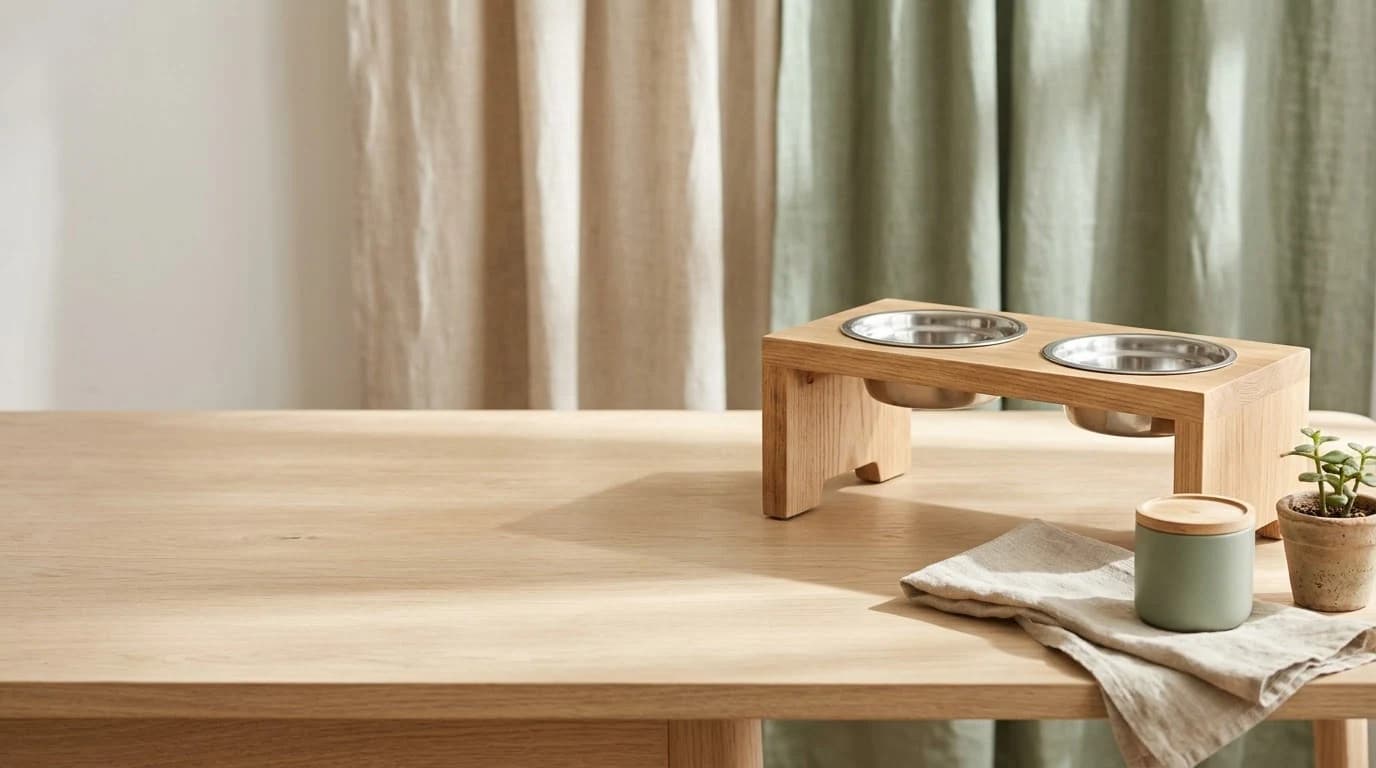
This Amazon pet feeding station example shows an elevated two-bowl stand proved by measured height, bowl capacity and pet-size fit, with joint and anti-slip claims checked before publishing.
AISellerKit Editorial Team · Reviewed by Commerce Strategy Team · Updated Nov 20, 2026
Production and review workflow
The scenario
A pet brand lists an elevated feeding station with two stainless bowls and three height settings for medium dogs. The stand is wooden, the bowls are removable and the feet are rubber. The buyer needs the height range, bowl volume, assembly steps and the dog size the station suits. The risk is a styled kitchen scene that makes the station look taller, a bowl that is shown but not included, or a joint-health claim the product cannot support.
The image set
Lead with the station assembled and empty, then a dimension frame with height settings and footprint, a bowl-capacity frame with measured water, a height-adjustment frame, an assembly frame with hardware, an on-dog scale frame with a dog at the stated size, a contents frame with the two bowls, and a care frame. Keep the same camera height across settings so the height difference is visible.
Channel constraints
Amazon's main image should show the station as sold on a clean background, with no dog, filled bowls or promotional text unless the current category guidance allows it. Check the current Amazon Seller Central product image requirements before uploading the batch. The gallery can carry the dog and assembly frames. For the brand site, the feeding-corner scene can lead, but the marketplace lead should not.
The review that caught the risk
The team measured the height at each setting, filled the bowls to a measured volume, and assembled the station with the included hardware. The first copy implied the elevated height would prevent joint problems; that claim was removed because it was not supported. The on-dog frame was checked to make sure the dog matched the stated size range and that the bowls were the included ones. They also checked Google Search Central image best practices for the brand-site alt text.
The reusable lesson
For pet furniture, measure the product and the pet. Keep one height frame, one bowl frame and one on-pet scale frame, and state the size range in the copy. Show only included bowls and label any prop. Store the assembly hardware list and height data with the SKU so a new finish does not restart the shoot. Track size questions, assembly complaints and bowl-missing claims; those signals point to the frame that needs to move earlier.
FAQ
What images does an Amazon pet feeding station need?
An assembled and empty lead, a height and footprint frame, a measured bowl-capacity frame, a height-adjustment frame, an assembly frame, an on-dog scale frame and a contents frame.
How do I show the height range clearly?
Photograph the station at each setting from the same camera height and state the height range and dog size range in the copy. A single styled scene does not show adjustment.
Can the listing say the station prevents joint problems?
No. That is a health claim the product cannot support. Describe the elevated height and adjustable fit, and let the buyer decide with the measurements.
Should the bowls appear in the main image?
Show the station as sold. If the bowls are included, a clean assembled main image can show them, but check the current category guidance before adding food, a dog or promotional text.
Can AI generate a pet feeding station image set?
It can generate supporting kitchen scenes and height directions, but the station dimensions, bowl volume, hardware, included items and pet-size fit must be verified against the physical product.
Official sources
- Amazon Seller Central — product image requirementsChecked 2026-11-13
- Shopify Help — product mediaChecked 2026-11-13
- Google Search Central — image best practicesChecked 2026-11-13
Checked before publishing. Confirm the current requirements on the destination platform before a batch upload.
Related resources
Pet Product Image Guide (2026)
How to photograph pet products so size, fit, material safety, chew resistance, washability and included contents are clear across storefront and marketplace images.
Amazon Germany Product Image Requirements (2026)
Amazon Germany image rules, German text, units, packaging and label checks, and how to localize a US or EU image set before reuse.
Amazon Japan Product Image Requirements (2026)
Amazon Japan image rules, Japanese text and unit conventions, packaging expectations and the localization checks that reduce returns in the Japanese marketplace.
Amazon UK Product Image Requirements (2026)
Amazon UK image rules, UK units and plug standards, post-Brexit label checks and the image localization steps to run before reusing EU creatives.
Resource center
A central entry point for guides, examples, templates, industry pages, and channel hubs.
E-commerce video
Alongside product-image workflows, AISellerKit supports e-commerce video generation from a product start image and a short creative direction. It helps teams explore product motion for PDP heroes, short-form ads, and social previews, while keeping task history in the same account workspace. Teams must review every result for product accuracy and channel compliance before publishing.
Industry pages
Explore category-specific workflows for beauty, electronics, home, pet, and more.
Examples
Inspect public examples for detail pages, hero visuals, and marketplace sets.
Templates
Use reusable prompt and workflow templates for production tasks.