
Amazon Main Image Template: Clean Marketplace Lead Frame
Use this template to brief a clean Amazon lead image that keeps the product recognizable at thumbnail size and reviewable against the current category rules.
AISellerKit Editorial Team · Reviewed by Commerce Strategy Team · Updated Jul 3, 2026
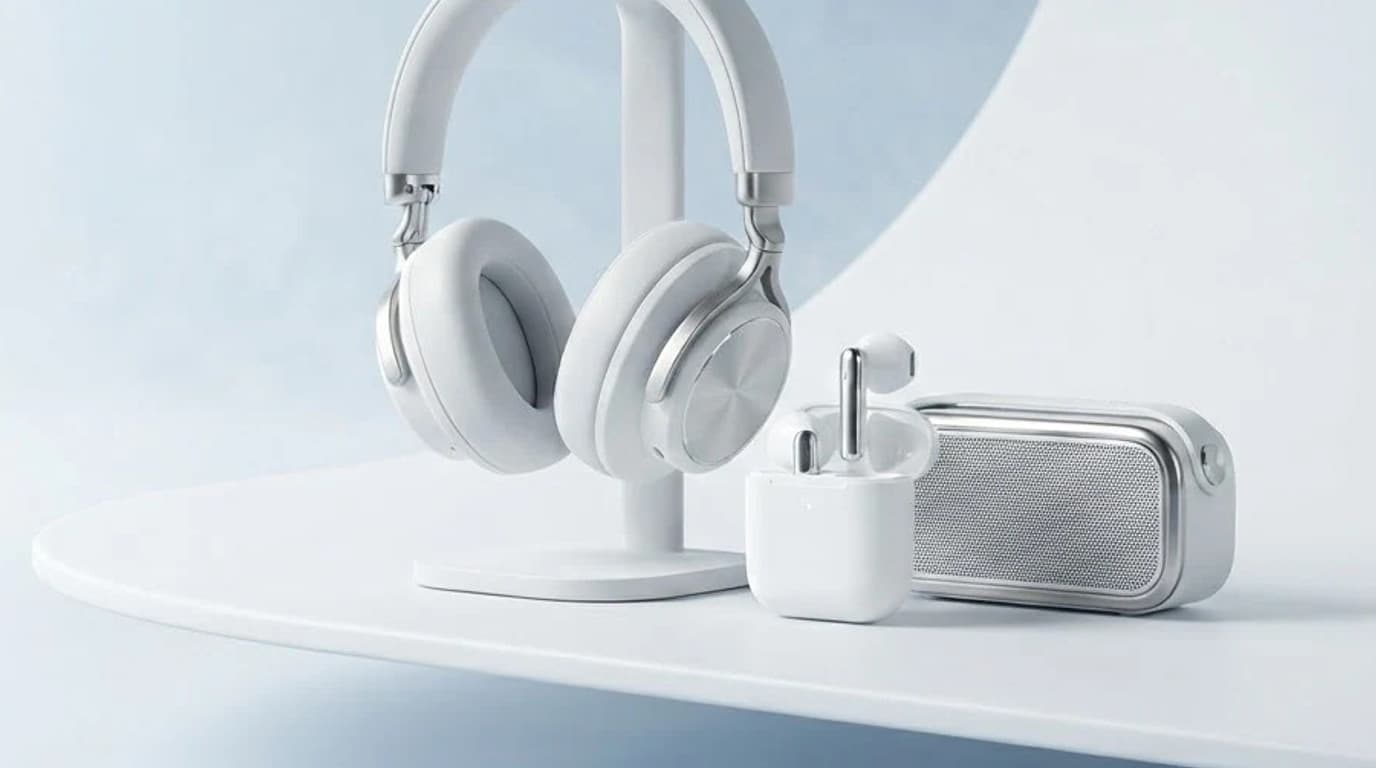
Production and review workflow
Frame direction
Place the product alone, centered and fully visible, with accurate shape, color and edges. Use a pure white or category-appropriate clean background, soft even lighting and no props that could be mistaken for included contents. Leave a small, consistent margin around the product so the marketplace crop does not cut off a corner. The lead image should read as the same product at 200 px and at full size.
Lighting and material control
Use a large diffused source and a subtle fill so the product does not lose edge definition against white. For reflective products, control the reflection instead of lifting exposure until the surface turns grey. For dark products, add separation without changing the material color. Keep shadows minimal and intentional; a heavy shadow can look like a smudge at thumbnail size.
Crop, ratio and export
Build a square master with enough resolution for zoom and mobile crops. Keep the product inside a safe margin so the marketplace's own crop does not remove a corner or accessory. Export a high-quality JPEG in sRGB, and keep the master file separate from the upload file. Check the rendered listing after upload, because the platform may recompress or crop the image differently.
Compliance and contents review
Confirm the product matches the exact variation, pack contents and category. Remove overlays, badges, watermarks and text unless the category explicitly permits them. Check the current main-image rules for the destination marketplace and category, because they change. If the product includes multiple pieces, show the actual configuration that ships rather than a styled arrangement.
Reuse and version control
Store the approved main-image prompt, reference set and final export with the SKU. When packaging or color changes, update the main image and every derived crop rather than only the marketplace upload. Keep a note of the rule version or review date so a later audit can tell why the image was approved.
FAQ
What should an Amazon main image template contain?
A centered product, accurate shape and color, clean background, even lighting, no misleading props and a safe margin for the marketplace crop.
Can the main image include text or a badge?
Only when the destination category explicitly permits it. Remove overlays, watermarks and badges for the default lead-image template.
How large should the master be?
Build a square master with enough resolution for zoom and mobile crops, export a high-quality sRGB JPEG, and keep the master separate from the upload file.
How do I handle a product with multiple pieces?
Show the actual configuration that ships. If the category allows a set shot, make every included piece visible and avoid props that could be mistaken for contents.
Can AI generate the main image?
It can generate a direction from product references, but shape, color, contents and category rules must be reviewed against the physical product before upload.
Official sources
- Amazon Seller Central — product image requirementsChecked 2026-11-13
- Shopify Help — product mediaChecked 2026-11-13
- Google Search Central — image best practicesChecked 2026-11-13
Checked before publishing. Confirm the current requirements on the destination platform before a batch upload.
Related resources
Walmart Main Image vs Amazon Main Image (2026)
Compare Walmart and Amazon main image rule sets, review workflows and the production habits that keep one master image compliant on both.
Why Marketplace Images Get Rejected (2026)
Why Amazon, Temu and TikTok Shop reject product images, how to diagnose each cause, and the preflight checks that prevent a second rejection.
Amazon Image Size Requirements Generator
Amazon main image and gallery rules in one checklist: pixel minimums, zoom threshold, product fill and white background, plus a compliant set generator.
Amazon Listing Image Requirements 2026
See how an Amazon listing image generator can help sellers create main-image directions, lifestyle scenes, feature callouts, and benefit visuals faster.
Resource center
A central entry point for guides, examples, templates, industry pages, and channel hubs.
E-commerce video
Alongside product-image workflows, AISellerKit supports e-commerce video generation from a product start image and a short creative direction. It helps teams explore product motion for PDP heroes, short-form ads, and social previews, while keeping task history in the same account workspace. Teams must review every result for product accuracy and channel compliance before publishing.
Industry pages
Explore category-specific workflows for beauty, electronics, home, pet, and more.
Examples
Inspect public examples for detail pages, hero visuals, and marketplace sets.
Templates
Use reusable prompt and workflow templates for production tasks.