
Product Image Accessibility and WCAG Guide (2026)
Alt text is not an SEO afterthought; it is the text alternative for a non-text element. This guide covers WCAG 1.1.1, decorative images and the product-page patterns that make images accessible without hurting clarity.
AISellerKit Editorial Team · Reviewed by Commerce Strategy Team · Updated Jul 3, 2026
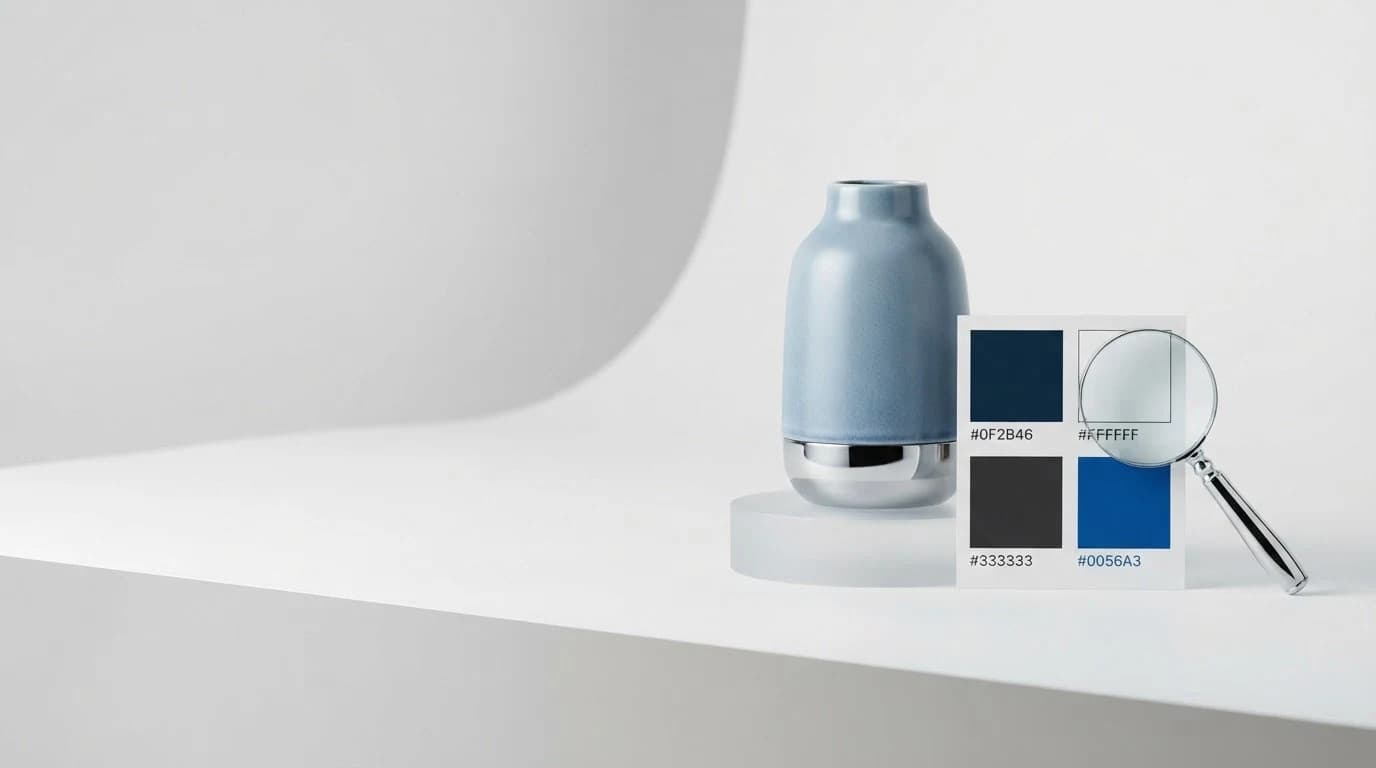
Production and review workflow
What WCAG 1.1.1 requires
WCAG 1.1.1 requires a text alternative for non-text content. For a product image, the alt text should convey the information the image provides: the product, the view, and any visible detail that matters to the buying decision. A file name is not an alt text. An empty alt is only correct when the image is decorative or the same information is already in text.
Informative versus decorative images
A main product image is informative: describe the product, colour, angle and any visible variant. A decorative background pattern can have an empty alt. A gallery image that only repeats the main image may still need a short description if it shows a different angle. The test is whether the image adds information the surrounding text does not provide.
Writing useful product alt text
Write one clear sentence: what the product is, the view and the distinguishing detail. For example: `Navy linen shirt, front view, showing the collar and chest pocket`. Avoid keyword stuffing, avoid `image of`, and do not include promotional copy. If the product has a variant, include the variant attribute that the image shows.
Accessibility beyond alt text
Alt text is necessary but not sufficient. Product pages should also have readable text for price, size and materials, captions or transcripts for video, sufficient contrast and a focus order that makes sense. A gallery that can only be operated by drag or hover excludes keyboard users.
Auditing product images
Run an automated audit to catch missing alt attributes, then review the descriptions manually. Automated tools cannot tell whether an alt text is useful. Test the page with a screen reader and keyboard, and check that the gallery controls and variant selection are reachable without a mouse.
FAQ
Is alt text required for product images?
Yes. WCAG 1.1.1 requires a text alternative for informative images. The alt text should describe the product and the information the image conveys.
How long should product alt text be?
Usually one clear sentence. Include the product, the view and the distinguishing detail; avoid keyword lists and promotional copy.
When can alt text be empty?
When the image is decorative or the same information is already available in text. A main product image is rarely decorative.
Does alt text help SEO?
It can reinforce relevance, but its primary purpose is accessibility. Write for the user first; keyword stuffing hurts both.
How do I audit product image accessibility?
Use an automated tool to find missing alt attributes, then review the descriptions manually and test the page with a screen reader and keyboard.
Official sources
- W3C WAI — images tutorialChecked 2026-11-18
- Google Search Central — image best practicesChecked 2026-11-13
- Shopify Help — product mediaChecked 2026-11-13
Checked before publishing. Confirm the current requirements on the destination platform before a batch upload.
Related resources
Shopify Product Image SEO Guide (2026)
How Shopify product images are indexed, what alt text and file names actually do, and the schema and sitemap checks that improve image search visibility.
Product Image RTL Localization Guide (2026)
How to localize product images for right-to-left languages: text direction, layout mirroring, typography and the review checks that catch broken Arabic.
Baby and Kids Product Image Guide (2026)
How to photograph baby and children's products so age grading, safety features, materials and sizing are accurate across storefront and marketplace images.
Bag and Luggage Product Image Guide (2026)
How to photograph bags and luggage so capacity, dimensions, hardware, materials and carry-on compliance are clear across storefront and marketplace images.
Resource center
A central entry point for guides, examples, templates, industry pages, and channel hubs.
E-commerce video
Alongside product-image workflows, AISellerKit supports e-commerce video generation from a product start image and a short creative direction. It helps teams explore product motion for PDP heroes, short-form ads, and social previews, while keeping task history in the same account workspace. Teams must review every result for product accuracy and channel compliance before publishing.
Industry pages
Explore category-specific workflows for beauty, electronics, home, pet, and more.
Examples
Inspect public examples for detail pages, hero visuals, and marketplace sets.
Templates
Use reusable prompt and workflow templates for production tasks.