
eBay Product Image Requirements (2026)
eBay rewards clear, honest images that survive a small gallery thumbnail. This guide covers the baseline, used-item evidence, zoom and the mobile checks that matter.
AISellerKit Editorial Team · Reviewed by Commerce Strategy Team · Updated Jul 3, 2026
Production and review workflow
The eBay baseline
eBay listings should use clear, well-lit photos that show the actual item. The first image becomes the gallery thumbnail, so it has to work at small size. eBay provides free photo slots up to a limit that depends on the listing type, and additional photos can carry a fee. Check the current listing rules before assuming a slot count.
eBay's published picture policy
eBay's picture policy requires at least one photo that is 500 px on the longest side and recommends 1600 px for the best display. The listing tool accepts JPEG, PNG, GIF, TIFF, HEIC and BMP files; many listings support up to 24 photos, with the exact allowance shown in the tool. Added borders, text, artwork, marketing material and watermarks are not allowed, and stock photos cannot represent used, damaged or defective items. The first photo is included; additional photo fees depend on the listing type and current promotions.
Zoom and resolution
eBay's zoom and high-resolution display reward images above the minimum. Use a square or consistent ratio, keep the item large in the frame, and export at a resolution that survives the gallery and the item page. A photo that looks sharp on a desktop can still look soft in the mobile gallery.
Used, refurbished and condition evidence
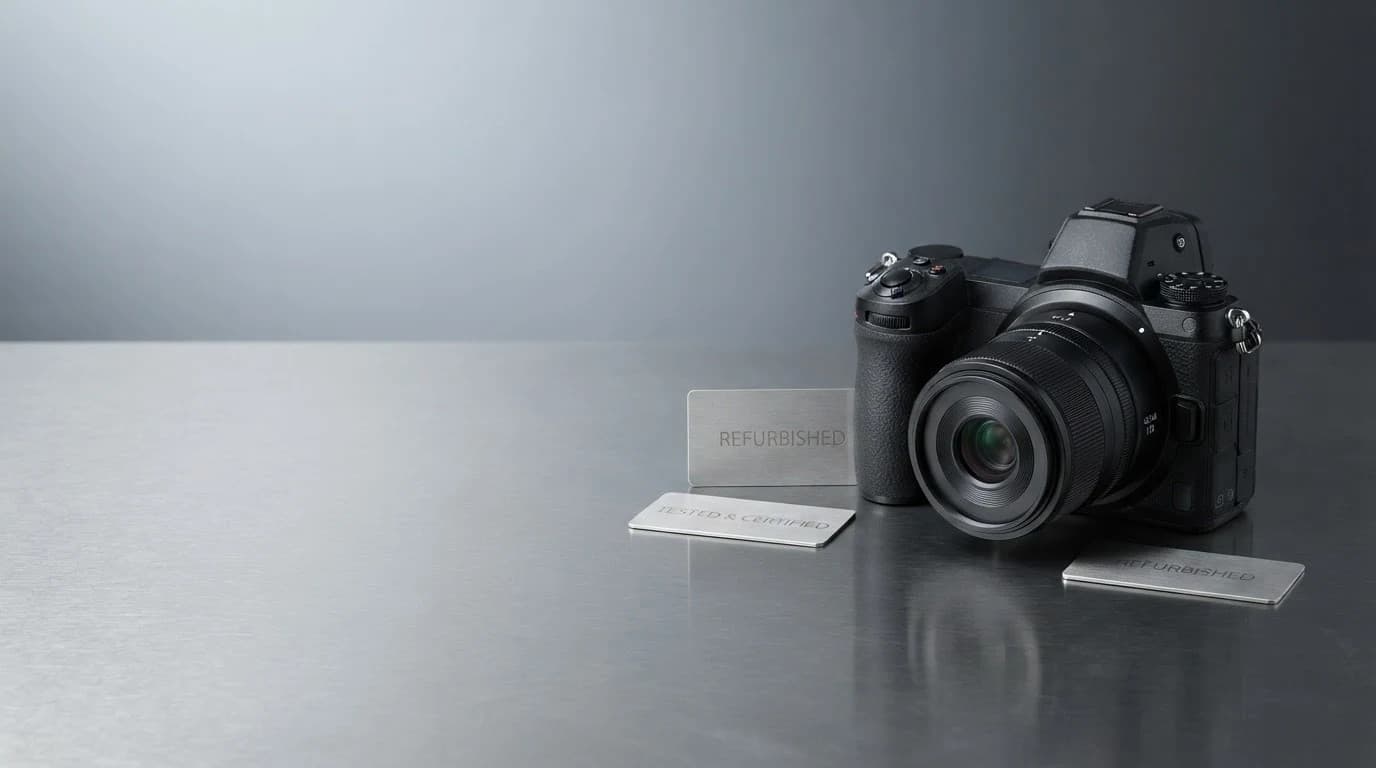
For used or refurbished items, the photos are the condition report. Show the actual wear, scratches, missing parts, accessories and packaging. Do not use a generic stock photo for a used item. If the item has a defect, show it clearly; hiding it creates returns and negative feedback that cost more than the sale.
Variants and multi-quantity listings
If the listing offers multiple colours, sizes or models, the gallery should make the selected variant clear. For multi-quantity listings, show the exact item and quantity the buyer will receive. Avoid a family photo that implies a bundle when the listing sells one unit.
A mobile-first review
Review the listing on a phone: the first image, the title and the price are the only things visible in the gallery. Check that the item is recognisable, the background is not distracting and the condition is honest. If the first image only works at full size, replace it.
FAQ
What size should eBay listing photos be?
eBay requires at least one photo that is 500 px on the longest side and recommends 1600 px for the best display. A square, well-lit image with the item large in the frame is a safe baseline.
Does eBay require a white background?
Not for every category. A clean, uncluttered background helps the item stand out, but used and collectible items often benefit from a real context photo.
Can I use stock photos on eBay?
For new items, use photos you own or are licensed to use. For used, damaged or defective items, eBay does not allow stock photos; show the actual item and its condition.
How many free photos does eBay include?
The first photo is included. Additional photo fees and the total allowance depend on the listing type and current promotions; check the listing tool before uploading a large set.
How should I photograph a used item?
Show the actual wear, defects, included accessories and packaging. The photos are the condition report, so clarity is more important than styling.
Official sources
- eBay Help — picture policyChecked 2026-11-18
- eBay Help — using the advanced listing toolChecked 2026-11-18
- Google Search Central — image best practicesChecked 2026-11-13
Checked before publishing. Confirm the current requirements on the destination platform before a batch upload.
Related resources
Amazon Germany Product Image Requirements (2026)
Amazon Germany image rules, German text, units, packaging and label checks, and how to localize a US or EU image set before reuse.
Amazon Japan Product Image Requirements (2026)
Amazon Japan image rules, Japanese text and unit conventions, packaging expectations and the localization checks that reduce returns in the Japanese marketplace.
Amazon UK Product Image Requirements (2026)
Amazon UK image rules, UK units and plug standards, post-Brexit label checks and the image localization steps to run before reusing EU creatives.
Baby and Kids Product Image Guide (2026)
How to photograph baby and children's products so age grading, safety features, materials and sizing are accurate across storefront and marketplace images.
Resource center
A central entry point for guides, examples, templates, industry pages, and channel hubs.
E-commerce video
Alongside product-image workflows, AISellerKit supports e-commerce video generation from a product start image and a short creative direction. It helps teams explore product motion for PDP heroes, short-form ads, and social previews, while keeping task history in the same account workspace. Teams must review every result for product accuracy and channel compliance before publishing.
Industry pages
Explore category-specific workflows for beauty, electronics, home, pet, and more.
Examples
Inspect public examples for detail pages, hero visuals, and marketplace sets.
Templates
Use reusable prompt and workflow templates for production tasks.