
Beauty Serum Launch Image Example (2026)
This example breaks down a serum launch set: a true-color pack hero, texture macro, swatch or dropper detail, label proof and channel crops, plus the review that keeps shade and claims accurate.
AISellerKit Editorial Team · Reviewed by Commerce Strategy Team · Updated Jul 3, 2026
Production and review workflow
The scenario
A skincare brand is launching a serum in three shades or strengths and needs a storefront set, marketplace crops and one social cover. The product is translucent, the label is small and the texture is the main selling point. The risk is a beautiful set that makes every variant look identical or hides the label text on a phone.
The frame set
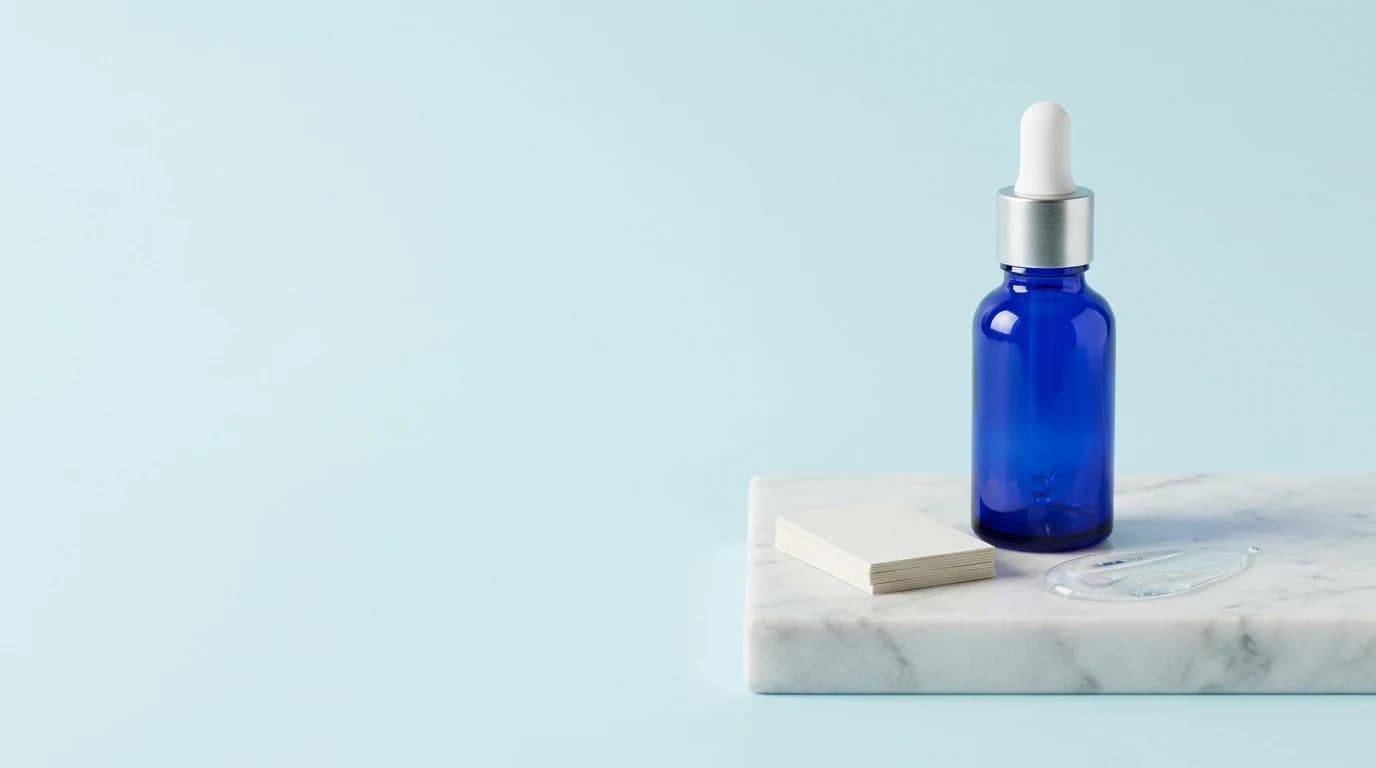
Lead with a true-color pack hero on a neutral background, then a texture macro on a neutral surface, a dropper or swatch detail at realistic scale, a legible label frame and one lifestyle scene. Keep the same light and background across the three variants so the buyer can compare. Add a scale frame with the bottle in hand if the size is not obvious from the listing.
Review before publishing
Compare the serum color, bottle glass and label with the physical unit. Check that the texture image does not imply a finish the formula does not have. Confirm every claim in the image copy matches the approved packaging, especially any percentage, ingredient or dermatologist-tested statement. Review the label crop on a phone, because the ingredient list often disappears at gallery size.
Channel adaptation
For the storefront, use the lifestyle scene and a longer vertical crop. For a marketplace, keep the pack hero and label frame product-first and remove overlays unless the category allows them. For social, use the texture macro as the first frame and keep text short. The product facts stay the same; only the crop and copy change.
What to measure
Track shade or variant returns, product-page conversion, add-to-cart by variant and support questions about texture or ingredients. If the texture macro increases engagement but the label questions remain, add a clearer label frame rather than rewriting the description. Keep the approved set with the SKU so a new batch does not restart art direction.
FAQ
What makes a serum launch image set credible?
A true-color pack hero, an honest texture macro, a realistic dropper or swatch, a legible label and a lifestyle scene, all consistent across variants.
How do I keep three serum variants comparable?
Use the same light, background and camera height, and place the variants side by side or in the same frame order so color and packaging can be compared.
Can I show a texture that the formula does not have?
No. The texture image must match the real product. An overly rich or glossy texture creates a return when the serum arrives with a different feel.
What should be reviewed before publishing?
Color, glass, label text, claims, percentages and variant accuracy against the physical unit, plus the phone crop of the label.
Can AI generate a serum launch set?
It can generate supporting scenes and texture directions from references, but color, texture, label and claims must be verified against the physical product.
Official sources
- Amazon Seller Central — product image requirementsChecked 2026-11-13
- Shopify Help — product mediaChecked 2026-11-13
- Google Search Central — image best practicesChecked 2026-11-13
Checked before publishing. Confirm the current requirements on the destination platform before a batch upload.
Related resources
Beauty and Cosmetics Product Image Guide (2026)
How to photograph beauty products so shade, texture, packaging and label claims stay accurate across marketplace and storefront images.
Personal Care Product Image Guide (2026)
How to photograph personal care products so texture, packaging, ingredients, skin-contact claims and hygiene are accurate across storefront and marketplace images.
Automotive Parts Product Image Guide (2026)
How to photograph automotive parts so fitment, compatibility, materials, condition and warranty claims are accurate across marketplace and storefront images.
Baby and Kids Product Image Guide (2026)
How to photograph baby and children's products so age grading, safety features, materials and sizing are accurate across storefront and marketplace images.
Resource center
A central entry point for guides, examples, templates, industry pages, and channel hubs.
E-commerce video
Alongside product-image workflows, AISellerKit supports e-commerce video generation from a product start image and a short creative direction. It helps teams explore product motion for PDP heroes, short-form ads, and social previews, while keeping task history in the same account workspace. Teams must review every result for product accuracy and channel compliance before publishing.
Industry pages
Explore category-specific workflows for beauty, electronics, home, pet, and more.
Examples
Inspect public examples for detail pages, hero visuals, and marketplace sets.
Templates
Use reusable prompt and workflow templates for production tasks.